
Fast, One-ClickphpCollab Hosting
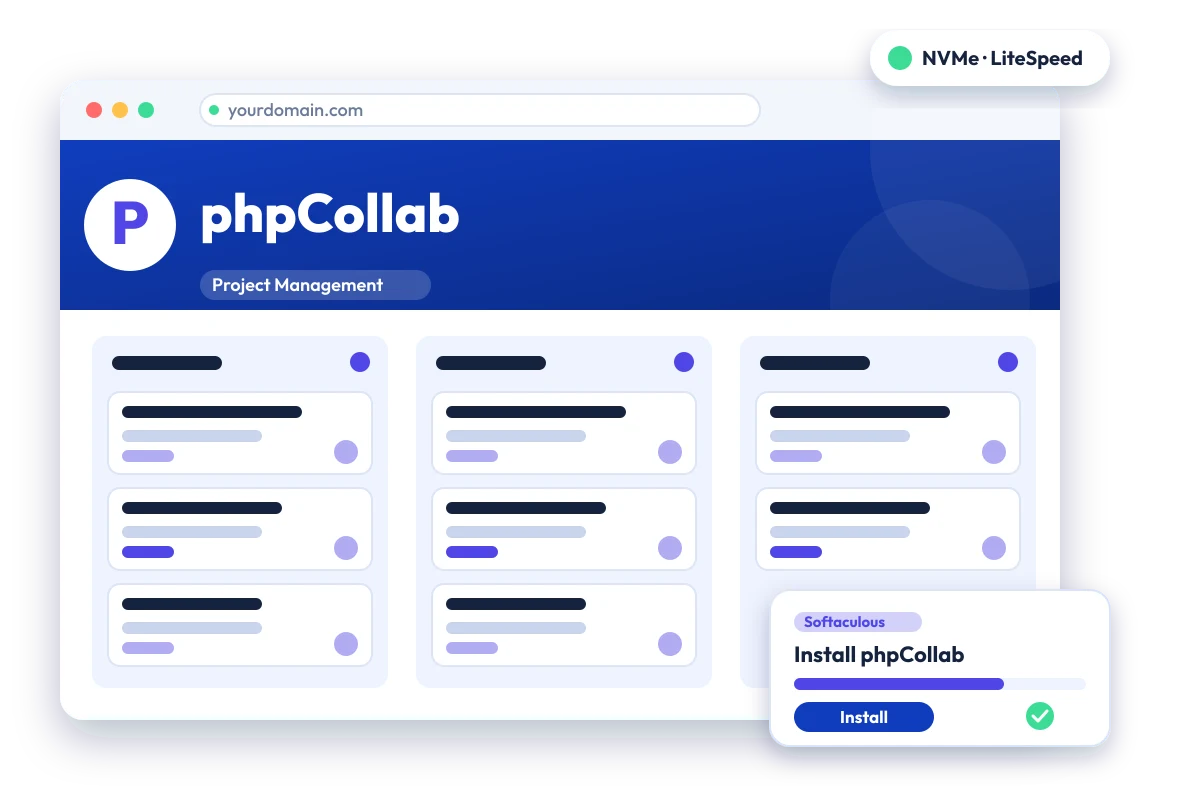
PHP collaboration system with separate team and client sites. Install phpCollab in one click with the Softaculous installer on cPanel NVMe hosting: LiteSpeed, free SSL, daily backups and 24×7 support. From ₹129.00/mo billed triennially.
cPanel NVMe Hosting Plans for phpCollab
Pick a server region and a plan, then install phpCollab from Softaculous in one click. Prices are live from our billing system.
Starter
First site, blogs, portfolios
+6 months free
₹4,644.00 + 18% GST billed today for 3 years
42 months for the price of 36, about ₹111/mo
Renews at ₹4,644.00 every 3 years
- 5 Websites
- 10 GB NVMe Storage
- 10 MySQL Databases
- 25 Email Accounts
- 250 GB Bandwidth / month
- 1 GB RAM · 1 core
- Free Let's Encrypt SSL & free migration
- LiteSpeed Enterprise + LSCache
- Imunify360 · KernelCare · CageFS
- Daily JetBackup backups
- cPanel · Softaculous (400+ apps)
- 24×7 support · 99.99% uptime
Smart
Small business, a few projects
+6 months free
₹9,360.00 + 18% GST billed today for 3 years
42 months for the price of 36, about ₹223/mo
Renews at ₹9,360.00 every 3 years
- 20 Websites
- 30 GB NVMe Storage
- 40 MySQL Databases
- 100 Email Accounts
- 500 GB Bandwidth / month
- 2 GB RAM · 2 cores
- Free Let's Encrypt SSL & free migration
- LiteSpeed Enterprise + LSCache
- Imunify360 · KernelCare · CageFS
- Daily JetBackup backups
- cPanel · Softaculous (400+ apps)
- 24×7 support · 99.99% uptime
Business
Agencies and growing stores
+6 months free
₹18,756.00 + 18% GST billed today for 3 years
42 months for the price of 36, about ₹447/mo
Renews at ₹18,756.00 every 3 years
- 50 Websites
- 75 GB NVMe Storage
- 100 MySQL Databases
- 250 Email Accounts
- 1 TB Bandwidth / month
- 3 GB RAM · 3 cores
- Free Let's Encrypt SSL & free migration
- LiteSpeed Enterprise + LSCache
- Imunify360 · KernelCare · CageFS
- Daily JetBackup backups
- cPanel · Softaculous (400+ apps)
- 24×7 support · 99.99% uptime
Enterprise
High-traffic, large portfolios
+6 months free
₹32,868.00 + 18% GST billed today for 3 years
42 months for the price of 36, about ₹783/mo
Renews at ₹32,868.00 every 3 years
- 200 Websites
- 150 GB NVMe Storage
- 300 MySQL Databases
- 1,000 Email Accounts
- 2 TB Bandwidth / month
- 6 GB RAM · 4 cores
- Free Let's Encrypt SSL & free migration
- LiteSpeed Enterprise + LSCache
- Imunify360 · KernelCare · CageFS
- Daily JetBackup backups
- cPanel · Softaculous (400+ apps)
- 24×7 support · 99.99% uptime
Every plan runs on enterprise NVMe storage with per-account CloudLinux limits. Prices are pre-GST with no setup fee; the same plans and prices apply in India, France, Poland, Canada and Singapore. 30-day money-back guarantee.
What is phpCollab?
phpCollab is an open-source PHP system for managing projects and collaborating over the internet. It offers separate views for the internal team and for clients, with tasks, phases, discussions, documents, Gantt charts and calendars. The latest release found is from 2021, so it should be treated as lightly maintained.
Project status: Latest release found is v2.10.3 from October 2021, and the most recent repository commit found is from June 2024, so there has been no release in about five years. Licence and PHP requirements could not be confirmed from the pages read. We list it because it is still available in the Softaculous installer; consider an actively maintained alternative for new projects.
Built with: PHP · Official site: github.com/phpcollab/phpcollab
Common uses
- Agency work shared with clients
- Consulting project collaboration
- Internal task and document tracking
phpCollab requirements
- Distributed as a release package built with Composer; the README says not to clone the repository straight into a web directory
Requirements were not confirmed from the pages read, so check the project documentation for PHP and database versions before relying on it. It is a PHP application, but the project moved to Composer-built releases, and its upstream release is from 2021.
Why host phpCollab with Hostripples
- One-click phpCollab install from Softaculous inside cPanel, with no manual upload or database setup
- All-NVMe storage and LiteSpeed Enterprise with LSCache for quick page loads
- Selectable PHP versions per site and CloudLinux account isolation with CageFS
- Free SSL, daily JetBackup backups and Imunify360 malware protection
- Free migration of an existing phpCollab site, and 24×7 support in English, Hindi and Marathi
phpCollab features
What phpCollab offers
Team and client sites
Internal team members and clients get separate interfaces onto the same projects.
Tasks and phases
Projects can be broken into phases, tasks and subtasks.
Client publishing control
Clients only see project items that have been published to them.
Documents and discussions
A document repository and discussion threads support collaboration.
Gantt, calendar, reports
Gantt charts, a calendar, search and reports are included.
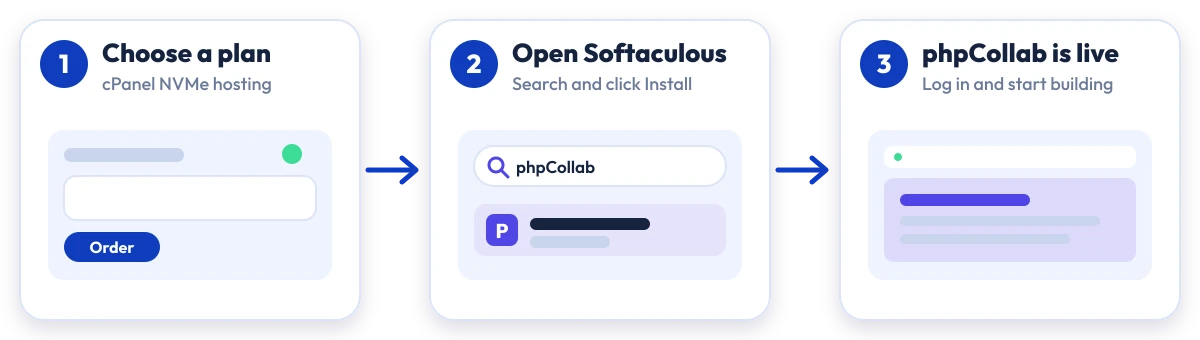
Install phpCollab in four steps
No manual upload or database setup: Softaculous does it from your cPanel.

Plan
Choose a cPanel NVMe plan and server region

cPanel
Log in to cPanel and open Softaculous Apps Installer

Install
Search for phpCollab, click Install and fill in the form

Launch
Open your new phpCollab site and start building
Compare with other apps
People who look at phpCollab often compare it with:
More Project Management you can install in one click:
Which plan is right for me?
Pick the line that fits what you need. These are the same plans and live prices as the cards above.
First site, blogs, portfolios
Starter
5 Websites · 10 GB NVMe Storage · 10 MySQL Databases
Choose Starter₹129/mo
₹4,644.00 + 18% GST billed today for 3 years
Small business, a few projects
Smart
20 Websites · 30 GB NVMe Storage · 40 MySQL Databases
Choose Smart₹260/mo
₹9,360.00 + 18% GST billed today for 3 years
Agencies and growing stores
Business
50 Websites · 75 GB NVMe Storage · 100 MySQL Databases
Choose Business₹521/mo
₹18,756.00 + 18% GST billed today for 3 years
High-traffic, large portfolios
Enterprise
200 Websites · 150 GB NVMe Storage · 300 MySQL Databases
Choose Enterprise₹913/mo
₹32,868.00 + 18% GST billed today for 3 years
Prices for India. Other billing terms and server locations are on the plan cards.
phpCollab Hosting: Frequently Asked Questions
Everything you need to know
Still have questions?
Our support team is live 24/7 in English, Hindi & Marathi.
Ready to launch phpCollab?
Pick a cPanel NVMe plan and install phpCollab in one click. Free SSL, free migration and 24×7 support included.