

Skip to content
Hostripples

HOSTRIPPLES EMAIL

Email Overview

Professional business email on your own domain with spam and antivirus filtering. See plans and starting prices from Hostripples.

Explore solutions
1Solutions
EmailCategory
One place

FIND YOUR FIT

All Email Solutions

1 solution to explore

Starting prices depend on the plan, billing term and availability. See each service page for full pricing and applicable taxes.

Business Email Hosting in India: Why the @gmail Habit Costs You

There's a specific moment every growing business hits: a customer, vendor or investor asks for your email address, and typing out [email protected] in reply feels smaller than the business actually is. Professional email India setups solve exactly that — an inbox at [email protected] or [email protected], running on your own domain instead of a free provider's. It's a small change with an outsized effect on how seriously the other side treats the conversation, especially with Indian buyers who've learned to be wary of free-email addresses on anything involving payment or contracts.

Under the hood, what business email hosting India providers like Hostripples give you is just a mailbox tied to your domain's MX records, accessible the three standard ways — webmail from a browser, IMAP if you want your phone and laptop to stay in sync with the server copy, or POP if you'd rather download and store mail locally. None of that is exotic technology; what you're really paying for is the mailbox space, the spam and antivirus filtering sitting in front of it, and someone to call when a client says your reply never arrived.

Deliverability is the part people underestimate. An inbox with no spam filtering either lets junk mail flood in until the mailbox is unusable, or — worse — sends mail from a domain with a weak SPF/DKIM setup that gets flagged as spam by the people you're actually trying to reach. A setup worth paying for handles both sides: filtering what comes in, and making sure what you send actually lands in the recipient's inbox instead of their spam folder.

This page is about Business Email specifically — the mailbox plan you'd set up for a founder, a small team, or a solo consultant who wants domain email India instead of a free address. If you're deciding whether it's worth switching, comparing it to what you're using now, or wondering what actually happens during setup and migration, the rest of this page covers it.

Who actually needs a business email inbox?

Short answer: anyone whose email address represents the business.

You don't need a large team to justify professional email — a solo consultant sending an invoice from a domain address looks just as deliberate as a ten-person company. The four groups below cover most of the people who end up setting one up.

Founders and small business owners

Often the first, and sometimes only, person emailing customers and vendors — a domain address is one of the cheapest ways to look established from day one.

Small teams and startups

Every teammate gets their own inbox on the same domain, so [email protected] stays consistent across everyone the business talks to, instead of a mix of personal addresses.

Freelancers and consultants

Email is often the only front door a freelancer has — a domain address on invoices and proposals builds the kind of trust a free address quietly undermines.

Anyone whose mail keeps landing in spam

If replies aren't reaching clients reliably, the issue is usually deliverability setup rather than the recipient's inbox — proper SPF/DKIM and a real mail provider behind the domain fixes it.

How Hostripples sets up business email

A working mailbox on your own domain, with filtering and support included.

A mailbox on your own domain

[email protected] or [email protected], live within minutes of your domain's MX records pointing to us — no separate email-only provider to manage.

An email inbox showing a business domain address

Spam and antivirus filtering included

Filtering sits in front of every mailbox by default, not as a paid add-on you have to remember to switch on after setup.
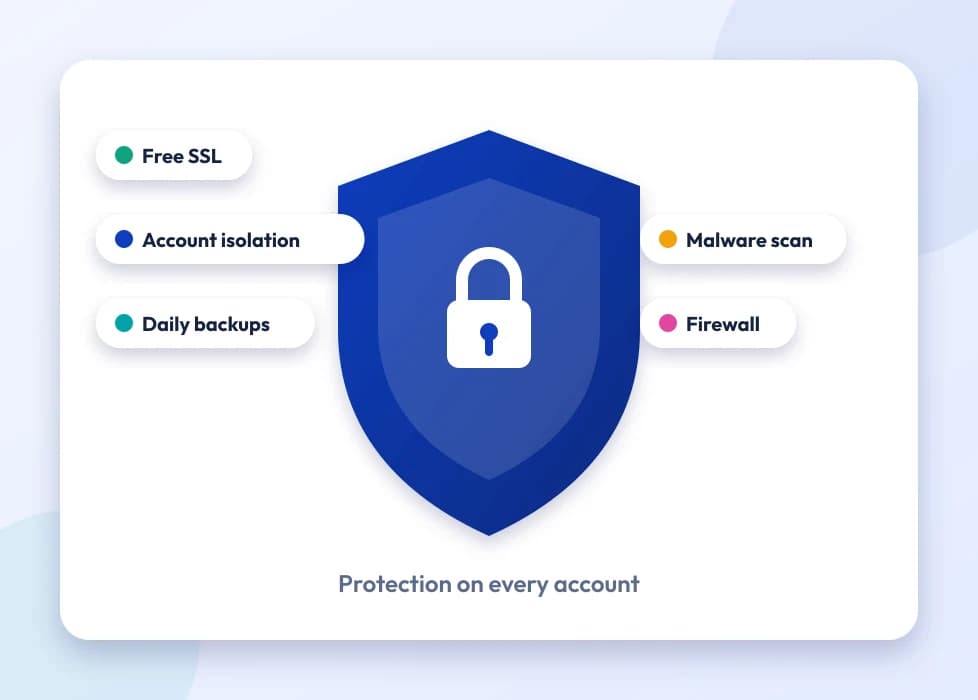
A shield representing spam and antivirus filtering

Webmail, IMAP and POP, your choice

Check mail from a browser with no setup, or connect it to your phone and desktop mail apps — whichever fits how you actually work.
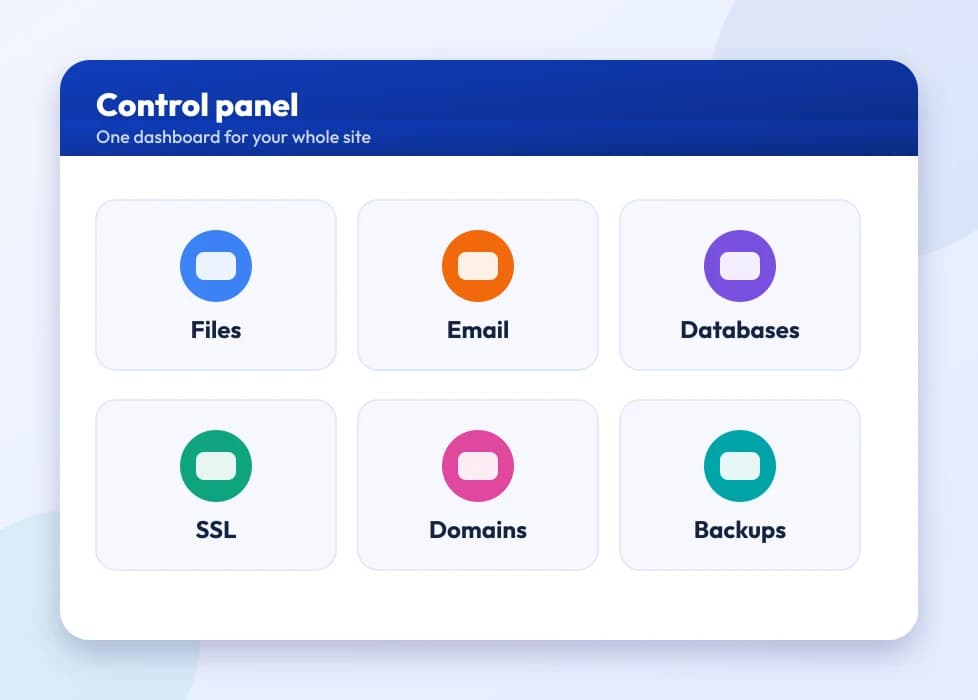
A control panel dashboard for managing mailboxes

Migration and setup help

Moving from Gmail or another host, updating DNS/MX records, or troubleshooting deliverability — 24×7 support in English, Hindi and Marathi.
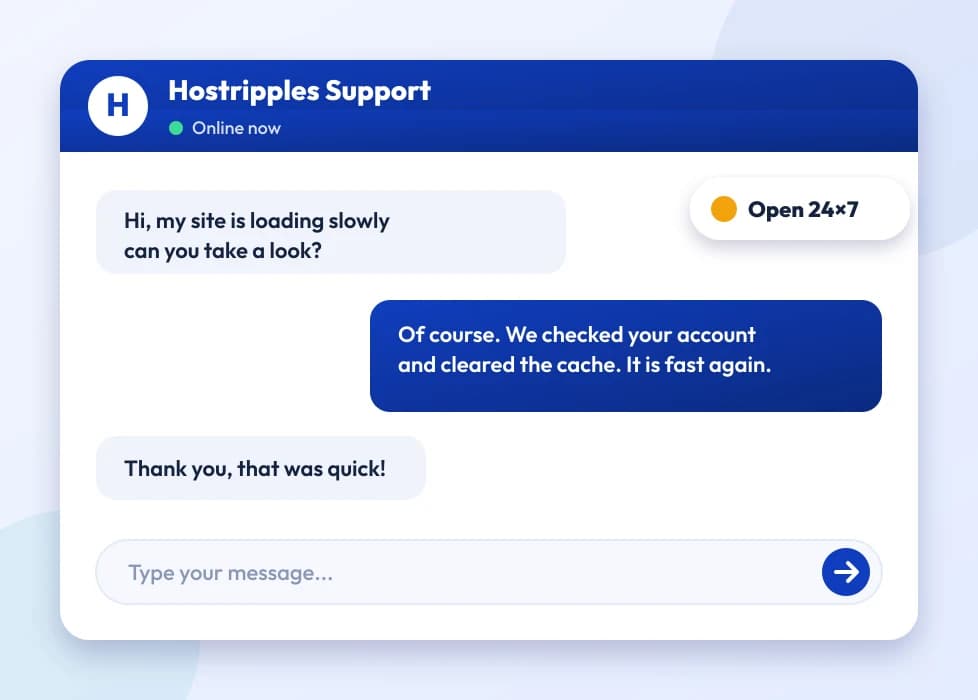
A support chat with an expert answering a question
None of this requires becoming an email administrator — the mailbox, filtering and DNS setup are handled as part of getting the plan running. The choices below only matter once you're comparing it against what you're using today.
Got Questions?

Business Email FAQs

The basics, before you switch from a free address

A free address puts gmail.com (or similar) after your name; business email hosting puts your own domain there instead — [email protected]. Beyond looking more professional, it also means the address doesn't disappear if you ever want to leave a particular provider, since it's tied to a domain you own, not a third-party account.
That depends on the specific plan tier — see the Business Email page for the current lineup and live pricing, since plans vary by mailbox count and storage per mailbox.
Mailbox storage is set per plan, typically several GB per inbox, enough for years of normal business correspondence with attachments before you'd need to think about archiving. Check the specific plan for its exact allowance.
Yes — set it up in your phone's mail app using IMAP (recommended, keeps mail synced with the server so it matches what you see on webmail and desktop) or POP (downloads mail locally), using the server settings provided after setup.
IMAP keeps your mail on the server and syncs across every device — read a message on your phone and it shows as read on your laptop too. POP downloads messages to one device and, depending on settings, may remove them from the server. For anyone checking email on more than one device, IMAP is almost always the better default.
Yes, filtering runs on every mailbox by default — it's not a separate purchase or an optional add-on you have to remember to enable.
Migration typically means updating your domain's MX records to point at our mail servers and then importing old messages via IMAP from the old account into the new mailbox — our support team can walk through the specific steps for your situation, since the exact process varies by where you're migrating from.
There can be a short window during DNS propagation (usually well under a day) where mail delivery is in transition — timing the switch for a quieter period and keeping the old account active briefly during the changeover avoids any real disruption.
Yes — that's exactly what business email hosting is built for. Each team member gets their own mailbox on the shared domain (you@, sales@, support@, and so on), all managed from one account.
An alias forwards mail sent to one address into an existing mailbox without needing its own separate storage — useful for something like info@ or sales@ that you want reaching a real inbox (or several) without creating and paying for a whole new mailbox.
A catch-all captures mail sent to any address at your domain, even ones you never explicitly created, and routes it to one mailbox — useful for not missing a message if someone guesses at an address, though it also tends to pull in more spam, so it's worth weighing that trade-off.
It helps, generally — mail sent from a properly configured business domain with correct SPF, DKIM and MX records is trusted more by receiving mail servers than mail from a domain with sloppy or missing DNS setup, which is one of the more common causes of legitimate business mail getting flagged as spam.
They're DNS records that prove your outgoing mail is actually authorized to come from your domain, which receiving mail servers check before deciding whether to trust a message. We handle the core setup as part of getting your mailbox working; if you're also sending mail through a third-party tool (like a marketing platform), that service may need its own SPF/DKIM entries added too.
Yes, autoresponders are a standard feature available from your mailbox's settings, whether through webmail or the account control panel.
Both work — webmail lets you check mail from any browser with no setup, while a mail app (using the IMAP or POP settings) suits people who want their inbox integrated with their phone or desktop mail client. Most people end up using a mix of both.
Mailboxes are tied to the specific domain they're set up on, so moving to a new domain means creating new mailboxes there — old messages can be migrated across via IMAP the same way a migration from any other provider works, but the addresses themselves would change.
Yes — email hosting and website hosting are separate services. You can point just your domain's MX records at our mail servers for email while your website lives on entirely different hosting, or vice versa.
For most private businesses, there's no blanket legal requirement to host email specifically within India, though certain regulated sectors (finance, government-linked work) may have their own data-handling rules worth checking against your specific industry's compliance requirements.
Those are full productivity suites (email plus shared drives, docs, video calls and more) priced accordingly per user per month. Business Email is a more focused, lower-cost mailbox-on-your-domain option — the right call if what you actually need is professional email addresses without paying for a suite of tools you won't use.
Yes, forwarding is a standard mailbox setting — mail arriving at [email protected] can be set to also (or only) land in a personal address, though replying from your personal account afterward may show the personal address unless you also configure send-as.
Mailbox access and stored mail are tied to an active plan — renewing on time (or setting up auto-renew) avoids any risk of losing access to historic messages, so it's worth treating an email renewal with the same urgency as a domain renewal.
Yes, connecting via IMAP to a mail client (like Outlook or Thunderbird) and syncing locally effectively creates a backup of your messages outside the server, which is good practice for anyone keeping years of correspondence they don't want to risk losing.
Reasonable sending limits exist mainly to prevent abuse and protect the mail server's reputation (which affects everyone's deliverability, not just one account) — normal day-to-day business correspondence sits well within those limits; genuine bulk marketing email is a different use case better served by a dedicated email marketing tool.
Basic setup — pointing MX records and adding a mailbox — takes a few clicks in the control panel with no coding involved; our support team handles the DNS side for you if you'd rather not touch it yourself.
Each mailbox has a per-message attachment size limit (standard practice across all email providers, not unique to us) — for anything larger, sharing a link to a file rather than attaching it directly is the more reliable option anyway.
The core value — trust and legitimacy — applies everywhere, but it shows up especially clearly in India, where a lot of B2B buyers, government tenders and vendor onboarding processes still explicitly ask for a company domain email rather than accepting a free-provider address at face value.
Yes — a mailbox like [email protected] can be accessed by multiple team members using the same login credentials, or set up as an alias forwarding into several individual mailboxes, depending on how you want the workflow to run.
Yes — spam and antivirus filtering sit in front of every mailbox by default, and secure connections (SSL/TLS) protect mail in transit between your device and the server, the same encryption principle covered on our Security overview.
You'd need a domain first — email hosting has to attach to a domain you control. If you don't have one yet, our Domains page covers registration, and it's a quick first step before setting up mailboxes.
You can change it yourself anytime from the control panel or webmail settings — no need to open a support ticket for something that routine.
Server location can shave some latency for mail routing between Indian senders and recipients, though for typical business email the difference is rarely noticeable day-to-day — the bigger practical factors are deliverability setup and support responsiveness, not raw physical distance.
Mailbox plans are generally tied to a single domain — if you run multiple businesses on separate domains, each would need its own email setup, though your account can manage several domains' email from one place.
24×7 support in English, Hindi and Marathi — for everything from a mailbox not receiving mail to a DNS record that needs fixing after a domain move.
It depends on what the free address is costing you in ways that aren't obvious day-to-day — a missed sense of legitimacy with a new client, a slightly awkward moment quoting a price from a gmail.com address, or just not owning your own communication channel. If none of that has bitten yet, there's no emergency; but the switch is cheap and quick enough that most people who make it wonder why they waited.
A distribution list forwards a copy of incoming mail to multiple recipients' own separate mailboxes, while a shared mailbox is one single inbox multiple people log into. Which one fits depends on whether you want individual copies each person manages separately, or one shared queue everyone works from together.
Yes — most mail clients let you set a display name (like “Priya at Yourbusiness”) that shows next to your address in a recipient's inbox, configured once in your mail app or webmail settings rather than something controlled server-side.
It works with any standard mail client — Outlook, Thunderbird, Apple Mail and mobile mail apps all connect fine using the IMAP, POP or SMTP settings provided after setup, exactly like they would with any other mail provider.
SMTP is the protocol used for sending mail, while IMAP and POP are for receiving it — you need the correct SMTP server and port configured in your mail app for outgoing mail to actually send, which is a separate setting from whichever protocol you use to read incoming mail.
Yes — you don't need to transfer or host the domain with us to use Business Email. Pointing just the domain's MX records at our mail servers, while keeping the domain registered wherever it already is, is a completely normal setup.
A personal Gmail address ends in @gmail.com and isn't tied to a domain you own; Google Workspace puts your domain after the @ but runs through Google's infrastructure at Workspace pricing. Business Email is a separate, typically lower-cost way to get a domain-based mailbox without moving into the Workspace ecosystem.
Recently deleted mail is usually recoverable from the Trash/Deleted Items folder until it's permanently emptied, similar to any mail provider — beyond that window, recovery isn't guaranteed, which is part of why keeping a local IMAP-synced backup is good practice for anything you can't afford to lose.
The mailbox itself is ready immediately; the only delay is DNS propagation if MX records were just changed, which typically resolves within a few hours and rarely takes longer than a day.
Regular mailbox sending is built for normal business correspondence, not bulk marketing sends — for newsletters or campaigns to a large list, a dedicated email marketing platform (which handles unsubscribes, list hygiene and sender reputation properly) is the right tool, not your day-to-day inbox.
It depends on the workflow — sales@ or support@ as a genuinely shared login works fine for a small team handling one queue together, but individual employees corresponding under their own name are better served by their own mailbox so replies and sent history stay attributable to the right person.
Like most mail systems, repeated failed logins can trigger a temporary lockout as a security measure against automated guessing attempts — waiting a few minutes or resetting the password from the control panel clears it.
For a single mailbox on a domain that's already pointed at Hostripples, it's typically a same-day change — create the mailbox, confirm MX records, and start sending. Migrating years of existing mail from an old provider is the part that takes longer, and even that is usually a matter of hours, not days.

Still have questions?

Our support team is live 24/7 in English, Hindi & Marathi.

Chat with an Expert