Skip to content
Hostripples

Website SecuritySSL Certificates

SSL Certificates from Hostripples and partners - reliable infrastructure, free SSL, 24x7 expert support and transparent pricing. Get started in minutes.

GoGetSSL

GoGetSSL 90-day Trial SSL

DV · Domain ValidationSingle

Try a fully valid, browser-trusted SSL certificate for 90 days before committing to a full term.

₹499/quarterly
billed ₹499 quarterly
Order Now
Popular
GoGetSSL

GoGetSSL Domain SSL

DV · Domain ValidationSingle

GoGetSSL's own entry-level domain-validated certificate -- the lowest-priced HTTPS on the whole catalog.

₹855/annually
billed ₹855 annually
Order Now
Popular
Sectigo

Sectigo PositiveSSL

DV · Domain ValidationSingle

The most affordable way to secure one domain with a trusted padlock and HTTPS, issued in minutes.

₹1,984/annually
billed ₹1,984 annually
Order Now
GoGetSSL

GoGetSSL Multi-Domain SSL

DV · Domain ValidationMulti-Domain

Secure several separate domains on one budget-friendly domain-validated certificate.

₹2,565/annually
billed ₹2,565 annually
Order Now
GoGetSSL

GoGetSSL Public IP SAN

DV · Domain ValidationMulti-Domain

Rare in the industry: a certificate that can secure a bare public IP address alongside domain names.

₹2,565/annually
billed ₹2,565 annually
Order Now
RapidSSL

RapidSSL Standard

DV · Domain ValidationSingle

The cheapest way to add HTTPS to a single domain -- issued in minutes, no paperwork required.

₹2,745/annually
billed ₹2,745 annually
Order Now
Sectigo

Sectigo Essential SSL

DV · Domain ValidationSingle

A budget domain-validated certificate for personal sites, blogs and small business landing pages.

₹3,050/annually
billed ₹3,050 annually
Order Now
RapidSSL

RapidSSL Plan + Automate

DV · Domain ValidationAutomated (ACME)

RapidSSL's domain-validated certificate on an auto-renewing ACME subscription -- install once, never expires unnoticed.

₹3,237/annually
billed ₹3,237 annually
Order Now
Sectigo

Sectigo ACME Certificate-as-a-Service

DV · Domain ValidationAutomated (ACME)

Sectigo's Certificate-as-a-Service: fully automated issuance and renewal for single or wildcard domains via ACME.

₹3,563/annually
billed ₹3,563 annually
Order Now
Sectigo

Sectigo PositiveSSL Multi-Domain

DV · Domain ValidationMulti-Domain

The budget way to secure several separate domains (e.g. a brand's .com, .in and .co.uk) on one certificate.

₹4,574/annually
billed ₹4,574 annually
Order Now
GoGetSSL

GoGetSSL Secure Domain SSL

DV · Domain ValidationSingle

A step above GoGetSSL's cheapest DV certificate, with a stronger warranty for the same fast issuance.

₹4,988/annually
billed ₹4,988 annually
Order Now
GoGetSSL

GoGetSSL BusinessTrust

OV · Organization ValidationSingle

Organization-validated certificate at house-brand pricing, verifying your registered business.

₹6,650/annually
billed ₹6,650 annually
Order Now

SSL Certificates

Encrypt your site and earn visitor trust with a certificate from a globally-recognized CA, every plan below is live-priced and ready to order.

Hostripples resells SSL/TLS certificates from six major Certificate Authorities — Sectigo, DigiCert, GeoTrust, Thawte, RapidSSL and GoGetSSL — covering Domain Validation (DV), Organization Validation (OV) and Extended Validation (EV) certificates for a single domain, wildcard subdomains, or multiple domains on one certificate. Every certificate uses 256-bit encryption and is trusted by all major browsers, so however you land here — comparing your first SSL certificate India options for a new site, or replacing one that's about to lapse — the padlock behaves identically regardless of which CA issued it. What actually differs between brands is price, the warranty attached to the certificate, and how fast the CA's validation team turns around OV or EV paperwork. If you're mainly after cheap SSL India pricing on a DV certificate for a blog or portfolio, RapidSSL and GoGetSSL tend to sit at the lower end; if your site takes payments or logins, the OV and EV tiers below from Sectigo, DigiCert, GeoTrust or Thawte are worth the extra verification step.

Not sure which certificate to choose? Here's a rough way to think about it.

DV

If you're running a personal site, a portfolio, or a brochure site for a local business with no login or payment form, a DV certificate is genuinely enough — it shows the padlock and encrypts traffic in a few minutes, and nobody visiting the site will know or care which validation tier you picked.

OV

If you run an online store, accept UPI or card payments, or ask visitors to log in with a password, step up to OV — the certificate then carries your verified business name in its details, which matters if a customer or your payment gateway ever checks.

EV

If you're a bank, an NBFC, an insurer, or anyone handling especially sensitive financial data, EV is worth the extra day or two of paperwork, because some browsers and security-conscious users still look for that stronger legal-entity check.

Wildcard

Choose Wildcard if you run one domain with several subdomains you actively use — a blog, a shop, a support portal, a staging environment — and don't want to buy and renew a separate certificate for each one.

Multi-Domain

Choose Multi-Domain (SAN) instead if you or your company run several unrelated domains, say a .com and a .in version of the same brand, and would rather manage one certificate and one renewal date than juggle several.

And if you genuinely don't know yet, start with DV — nothing stops you upgrading to OV or EV later once the site's traffic or transaction volume justifies it.

SSL Certificate FAQs

What is the difference between DV, OV and EV SSL certificates?+

A Domain Validation (DV) certificate only confirms you control the domain and issues in minutes. Organization Validation (OV) additionally verifies your registered business and typically takes 1-3 days. Extended Validation (EV) performs the most rigorous legal-entity verification and is recommended for sites handling payments or sensitive logins.

What is a Wildcard SSL certificate?+

A Wildcard certificate secures a domain and every one of its first-level subdomains (e.g. mail.example.com, shop.example.com) with a single certificate, instead of buying a separate certificate for each subdomain.

Can one certificate cover multiple different domains?+

Yes. A Multi-Domain (SAN/UCC) certificate can secure several separate domain names, for example example.com, example.in and example.co.uk, on a single certificate with one renewal date.

How quickly is an SSL certificate issued?+

Domain Validation certificates are typically issued within minutes of completing domain verification. Organization and Extended Validation certificates require business verification and usually take 1-5 business days.

Do these SSL certificates work with any hosting provider?+

Yes. Every certificate sold here is a standard SSL/TLS certificate that can be installed on any hosting platform, including servers outside Hostripples, not only on Hostripples hosting.

Does a Wildcard certificate also cover sub-subdomains, like shop.blog.example.com?+

No — a standard Wildcard certificate (*.example.com) covers only one level of subdomain, so mail.example.com and shop.example.com are covered but blog.shop.example.com is not. If you need that second level covered too, you'd need a separate certificate for it or ask us about a multi-level wildcard option from the CA.

How many domains can I put on a single Multi-Domain (SAN) certificate?+

It depends on the certificate and CA, but most SAN/UCC certificates from Sectigo, DigiCert and GoGetSSL start with a handful of domains included and let you add more as SAN slots for an extra cost per domain — useful if you're running three or four regional or brand-variant domains and don't want three or four separate renewal dates to track.

Can I combine Wildcard coverage and multiple domains in one certificate?+

Yes — Multi-Domain Wildcard certificates exist and let you secure *.example.com and *.example.in (or however many domains you need) on a single certificate. They cost more than a plain SAN certificate but are worth it if each of your domains also has multiple subdomains you need covered.

What information do I need ready before buying an OV or EV certificate?+

For OV you'll typically need your registered business name, address and a working phone number the CA can verify against public registries or by callback. EV asks for the same plus proof you're an authorised representative of the company — things like a certificate of incorporation or GST registration help speed that step up for an Indian business.

Does the certificate brand — Sectigo, DigiCert, GeoTrust and so on — affect how secure the certificate actually is?+

Not meaningfully for day-to-day security — all six CAs we resell are trusted by every major browser and use the same 256-bit encryption standard. The real differences are price, warranty amount, brand recognition, and how quickly each CA's validation team processes OV/EV paperwork, not the strength of the encryption itself.

Can I switch certificate types later, say from DV to OV, without losing my site's SSL setup?+

Yes. You buy the new certificate, complete whatever validation it requires, and install it in place of the old one — there's no lock-in tying you to your original validation tier, and the switch doesn't require touching your DNS or hosting setup beyond reinstalling the certificate file.

Do I need a separate certificate for each client if I manage hosting for multiple businesses?+

Generally yes — one certificate per domain owner, since OV and EV validation is tied to a specific verified organisation. If you're a reseller or agency, a Multi-Domain certificate can bundle several of your own domains, but certificates for client-owned domains are usually bought and validated separately under each client's business details.

Will installing one of these certificates work with Indian payment gateways like Razorpay or PayU?+

Yes — any standards-compliant SSL/TLS certificate, DV or above, satisfies the basic HTTPS requirement that Razorpay, PayU, CCAvenue and similar Indian payment gateways expect from a merchant site. If you're taking cards directly rather than redirecting to a gateway, your payment processor may separately require PCI-DSS compliance, which is a broader security process SSL is only one part of.

Who needs an SSL certificate?

Every website that collects any information or wants visitor trust needs SSL.

Any website that asks a visitor to hand over information — a name, a password, a card number — earns more trust once that padlock is visible; here's where SSL tends to matter most in practice, not just in principle.

Business and brochure sites

Show the padlock and “https” that visitors now expect, even on a simple brochure site with no forms. Chrome and other browsers mark plain-HTTP pages as “Not Secure” right in the address bar, which is often the first thing an Indian visitor comparing three vendor websites side by side will notice.

Online stores

Encrypt customer details and payments at checkout, which matters even when you're redirecting to Razorpay, PayU or a similar gateway rather than handling card numbers directly yourself. Indian shoppers who've grown used to UPI and card payments increasingly check for the padlock before entering any personal detail, and its absence is a common reason carts get abandoned.

Login and form pages

Protect passwords and personal data in transit, so a login form, a contact form or a booking form isn't sending what someone types across the internet in plain text. Without SSL, that data can potentially be intercepted on public Wi-Fi or a shared network, a real risk for a customer filling out your form from a café or co-working space.

Any site wanting better SEO

Search engines favour secure, HTTPS websites, and Google has used HTTPS as a ranking signal for years now. Beyond the direct SEO benefit, a site still running plain HTTP risks that “Not Secure” warning in Chrome, which quietly pushes visitors — and potential customers — toward a competitor's site instead.

Why get your SSL from Hostripples

From free certificates to premium validation, secured in minutes.

Premium certificates too

Upgrade to higher-assurance certificates when your business needs them — start with a free DV certificate on any hosting plan, then move to OV or EV as your site starts taking payments or handling logins. We keep all six CA brands in one place so comparing and upgrading later doesn't mean starting the buying process over from scratch.

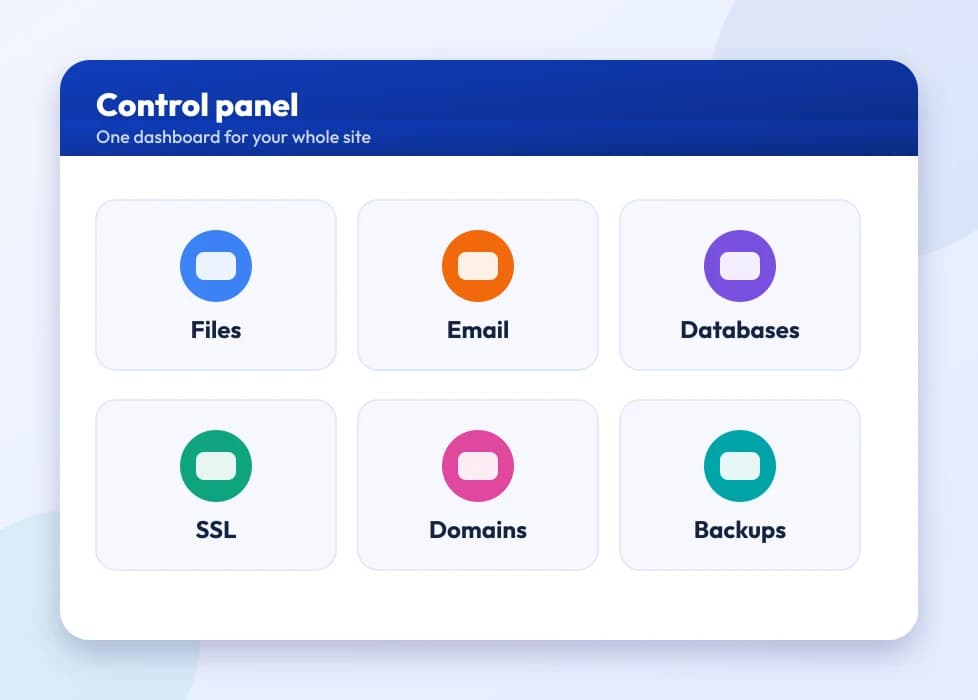
A control panel dashboard with tiles for the main tools

Encrypts data in transit

Protects logins, forms and payments between your visitors and your site, so anything typed into a form travels encrypted rather than as plain, readable text. This is the one job every SSL certificate does regardless of brand or validation tier — the differences between DV, OV and EV are about identity verification, not encryption strength.

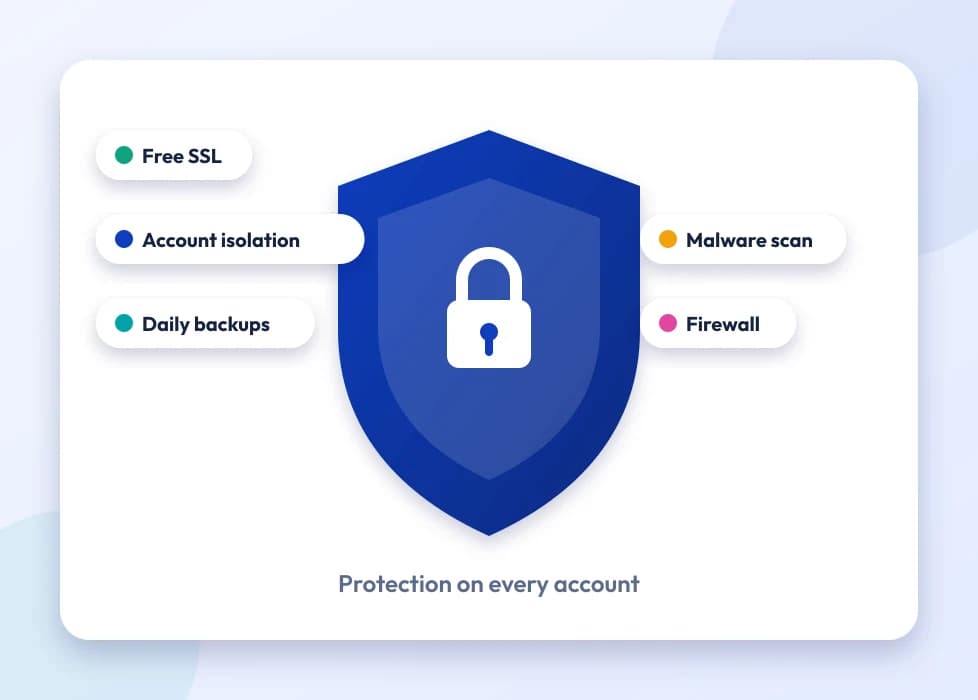
A shield with SSL, isolation, backups and malware protection

Shows the padlock

The padlock and HTTPS reassure visitors your site is genuine and secure, which matters more than ever now that Chrome flags any plain-HTTP page as “Not Secure” in the address bar. For an Indian business competing for trust against bigger, better-known brands, that small visual cue can be the difference between a visitor staying on the page or bouncing straight back to search results.

A page-load speed comparison between storage types

24×7 support

Help choosing and installing the right certificate, whenever you need it — our support team can talk you through DV versus OV versus EV, generate your CSR, and get the certificate actually installed and showing green, not just sold to you. If something goes wrong with validation or installation, there's a real person to ask, not just a ticket queue.

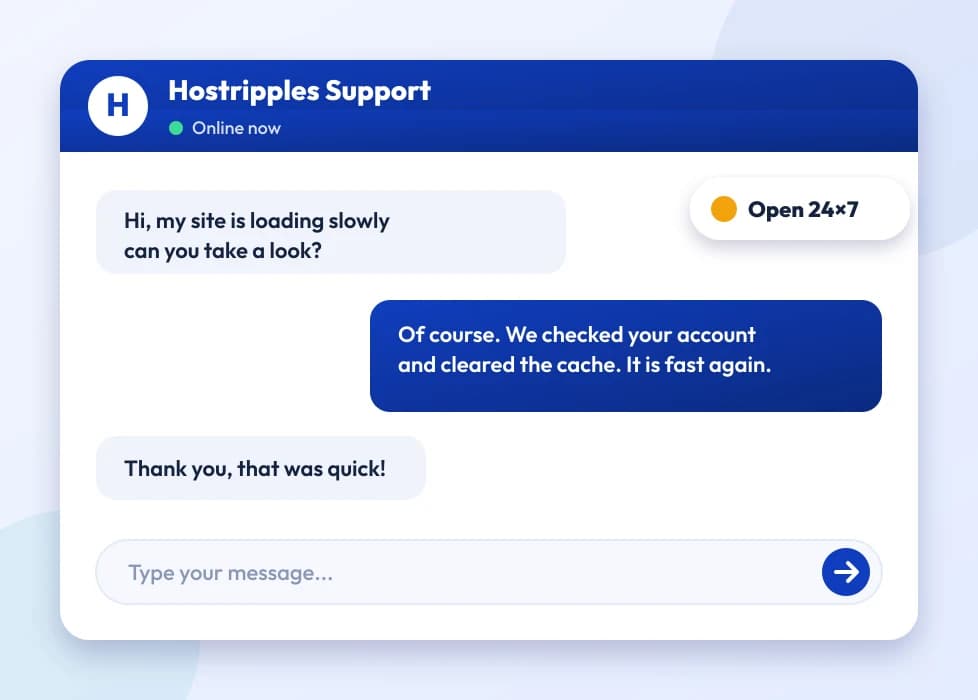
A support chat with an expert answering a question
Got Questions?

Frequently Asked Questions

Everything you need to know

An SSL certificate encrypts the connection between your website and its visitors — you see it as the padlock and “https” in the address bar — protecting things like login details and payment information as they travel between the visitor's browser and your server, and giving visitors a basic signal that your site is who it claims to be.
Yes — every Hostripples hosting plan includes a free SSL certificate that's installed and renewed automatically on your domain, so you don't need to do anything extra just to get the padlock showing.
A free certificate covers encryption just fine for most everyday websites, but premium certificates add things a free one doesn't: business-identity verification at the OV or EV level, a warranty from the CA if something goes wrong, and sometimes a trust seal you can display. Stores, financial sites and anything handling sensitive data tend to be where that extra verification earns its cost.
Yes — Google has confirmed HTTPS is a ranking signal, and has for years nudged the web toward it by flagging plain-HTTP pages as “Not Secure” in Chrome. It's a fairly small direct ranking factor on its own, but the indirect effect — visitors trusting and staying on a secure site rather than bouncing off a warning — tends to matter more in practice.
Once it expires, browsers stop treating your site as secure and show visitors a full-page warning — “Your connection is not private” in Chrome — before they can even reach your site, not just a small icon change. Most visitors won't click through that warning, so an expired certificate can function like a site outage for anyone using HTTPS, which is effectively everyone today.
The free certificate that ships with Hostripples hosting renews automatically in the background, so you shouldn't need to touch it. Premium certificates bought separately generally need to be renewed manually before their expiry date, though we send reminder emails ahead of time — it's worth diarising the renewal date yourself too, especially for OV and EV certificates where re-verification can take a day or two.
It shows up when your page loads over HTTPS but still pulls in some resources — images, scripts, stylesheets — over plain HTTP, often because old content or a theme hardcoded http:// links. Browsers flag this because a single insecure resource on an otherwise secure page is a real weak point, so the fix is usually a find-and-replace across your database or code to switch those links to HTTPS or protocol-relative URLs.
Subdomains need their own coverage, either through a Wildcard certificate that covers all first-level subdomains under one domain, or a separate certificate installed specifically for that subdomain. A plain single-domain certificate for example.com won't automatically secure shop.example.com — that's exactly the gap Wildcard certificates exist to close.
In most cases yes — the certificate itself (and its private key) belongs to your domain, not to whichever host issued or installed it, so you can export it and reinstall it on the new server. The exception is a free certificate tied to a specific host's auto-renewal system, like Hostripples' own free SSL; if you move away, you'd typically get a new free certificate from your new host rather than carrying the old one over.
No, and this is worth being honest about — SSL only encrypts data in transit between your visitor and your server; it does nothing to stop malware, a vulnerable plugin, a brute-forced admin password, or a compromised server from being attacked in the first place. It's one layer of a much bigger security picture, which is why we pair it with things like Imunify360 malware scanning on our hosting rather than treating SSL as a complete security solution on its own.
HSTS (HTTP Strict Transport Security) is a setting that tells browsers to only ever connect to your site over HTTPS, even if someone types or links to the plain http:// version — it closes a small window where a visitor's first request could otherwise be intercepted before the redirect to HTTPS happens. It's a good extra step once your SSL certificate is properly installed sitewide, though it's not something you need on day one just to get the padlock showing.
Certificate transparency is a public log that every publicly trusted CA has to record every certificate they issue into — it's mostly a behind-the-scenes safeguard that lets anyone, including domain owners, spot if a certificate was mistakenly or fraudulently issued for their domain. As a site owner you don't need to configure anything for it; it happens automatically whenever a CA issues you a certificate.
Any standards-compliant certificate — DV, OV or EV — satisfies the basic HTTPS requirement that gateways like Razorpay, PayU, CCAvenue and Instamojo expect from a merchant site. If you handle card numbers directly on your own pages rather than redirecting to the gateway's hosted checkout, you'll also need to meet broader PCI-DSS requirements, which cover far more than just having an SSL certificate — things like how you store, transmit and log payment data.
No — the certificates themselves are identical wherever you buy them; a certificate issued to an Indian business works exactly the same way as one issued anywhere else. What can differ is support in your working hours, pricing in rupees rather than a foreign currency with conversion fees, and how quickly OV/EV verification calls can be scheduled against Indian business hours — which is mostly why buying locally tends to be more convenient.
Anywhere selling certificates from a recognised CA — Sectigo, DigiCert, GeoTrust, Thawte, RapidSSL, GoGetSSL among them — gives you the same underlying certificate. The differentiator is what happens after purchase: whether there's someone to help with installation, renewal reminders, and troubleshooting if a mixed-content warning or misconfiguration shows up later, which is the part a lot of ultra-cheap resellers skip.
Not necessarily — as covered above, a certificate isn't tied to a specific host in most cases, so if you're just moving hosting within India, or anywhere else, you can usually bring your existing certificate across. You'd only need a fresh one if your old certificate was a free one tied to your previous host's auto-issued system, or if it's close enough to expiry that renewing fresh makes more sense than migrating it.
This is almost always a mixed-content issue, as above, or an incomplete installation — for example the certificate covers www.example.com but visitors are landing on example.com without the www, or vice versa. It can also mean the certificate chain wasn't installed completely on the server, missing an intermediate certificate the browser needs to fully trust the chain up to the root CA.
Only if they're covered by the same certificate deliberately — either as a Wildcard certificate covering subdomains of one domain, or a Multi-Domain (SAN) certificate that explicitly lists both sites. You can't take a certificate issued for one domain and reuse it on a completely unrelated domain; browsers check that the certificate's listed names match the site you're actually visiting.
Modern SSL/TLS adds a small amount of overhead to the initial connection, but it's negligible on any reasonably configured server — a matter of milliseconds, not something a visitor would notice. If anything, HTTP/2, which most SSL-enabled setups now support, tends to make sites feel faster than plain HTTP, not slower.
A CSR (Certificate Signing Request) is a small encrypted file generated on your server that contains your domain and organisation details, which you submit to the CA when ordering a certificate. If you're hosting with us, our team generates and handles this as part of installation; if you're installing on your own server or another host, your control panel usually has a CSR generator built in.
Yes — they solve different problems. Imunify360 and similar tools scan your site's files and server for malware, exploits and known vulnerabilities; SSL encrypts the connection between your server and your visitors so data isn't readable in transit. A clean, malware-free site can still leak login details over an unencrypted connection, and a fully encrypted connection won't stop malware already sitting on a compromised server — you genuinely want both layers, not one instead of the other.
Most CAs offer a short refund window — commonly around 30 days — if a certificate hasn't been issued yet or was clearly the wrong type for your needs, though the exact policy varies by brand and validation tier already completed. It's worth checking with our support before ordering if you're unsure between DV, OV, EV, Wildcard or Multi-Domain, since getting it right the first time avoids the refund process altogether.

Still have questions?

Our support team is live 24/7 in English, Hindi & Marathi.

Chat with an Expert