
Skip to content
Hostripples

Fast cPanelWeb Hosting in the USA

Host your website in the USA on fast NVMe servers with free cPanel, free SSL, 1-click app installs and 24×7 support, low latency for your US visitors.

Free cPanel

Manage your USA hosting easily with the industry-standard cPanel control panel.

NVMe Speed

Serve pages faster with high-performance NVMe SSD storage.

Free SSL

Secure every website with free HTTPS encryption.

✓NVMe SSD · Free SSL · Free migration · 24×7 expert support

USA Web Hosting Plans

cPanel on enterprise NVMe in the USA, the same plans and prices we sell everywhere else. Switch the billing term for the best rate.

Pay for 3 years and get 6 more months free on shared and reseller plans. Not combined with coupon codes.

Starter

₹129/mo

+6 months free

₹4,644.00 + 18% GST billed today for 3 years

42 months for the price of 36, about ₹111/mo

Renews at ₹4,644.00 every 3 years

Choose Plan
5 Websites
10 GB NVMe storage
250 GB bandwidth per month
25 email accounts
10 MySQL databases
1 GB RAM · 1 core
Free SSL & Daily Backups
Our pick

Smart

₹260/mo

+6 months free

₹9,360.00 + 18% GST billed today for 3 years

42 months for the price of 36, about ₹223/mo

Renews at ₹9,360.00 every 3 years

Choose Plan
20 Websites
30 GB NVMe storage
500 GB bandwidth per month
100 email accounts
40 MySQL databases
2 GB RAM · 2 cores
Free SSL & Daily Backups

Business

₹521/mo

+6 months free

₹18,756.00 + 18% GST billed today for 3 years

42 months for the price of 36, about ₹447/mo

Renews at ₹18,756.00 every 3 years

Choose Plan
50 Websites
75 GB NVMe storage
1 TB bandwidth per month
250 email accounts
100 MySQL databases
3 GB RAM · 3 cores
Free SSL & Daily Backups

Enterprise

₹913/mo

+6 months free

₹32,868.00 + 18% GST billed today for 3 years

42 months for the price of 36, about ₹783/mo

Renews at ₹32,868.00 every 3 years

Choose Plan
200 Websites
150 GB NVMe storage
2 TB bandwidth per month
1,000 email accounts
300 MySQL databases
6 GB RAM · 4 cores
Free SSL & Daily Backups

Every plan runs on enterprise NVMe storage with per-account CloudLinux limits. Prices are pre-GST with no setup fee; the same plans and prices apply in every region we host in. 30-day money-back guarantee.

Are most of your visitors in Asia? The same plans run closer to them on our web hosting in India and web hosting in Singapore pages.

Why Host Your Website in the USA

Fast, secure cPanel hosting tuned for the USA and North America

Free cPanel Control Panel

Manage domains, emails, files, databases and SSL from one simple cPanel dashboard.

Low Latency for the USA

Servers tuned for fast load times and a smooth experience for your US audience.

Free SSL & Free Migration

Every site gets free SSL, and we migrate your existing website to us for free.

1-Click Installs & 24×7 Support

Install WordPress, Joomla and 400+ apps in one click, backed by round-the-clock expert support.

Who is USA web hosting for?

Fast NVMe cPanel hosting served close to your American audience, right for any kind of site.

Local businesses

Reach American customers with a website that loads fast and ranks well in local search.

Bloggers and creators

Launch a WordPress blog in one click on cached NVMe storage.

Online stores

Run WooCommerce, OpenCart or PrestaShop on fast, secure servers.

Agencies and developers

Host multiple websites with cPanel, PHP version control and free migrations.

Why choose Hostripples for USA web hosting

Everything your website needs is included, on hardware built for speed.
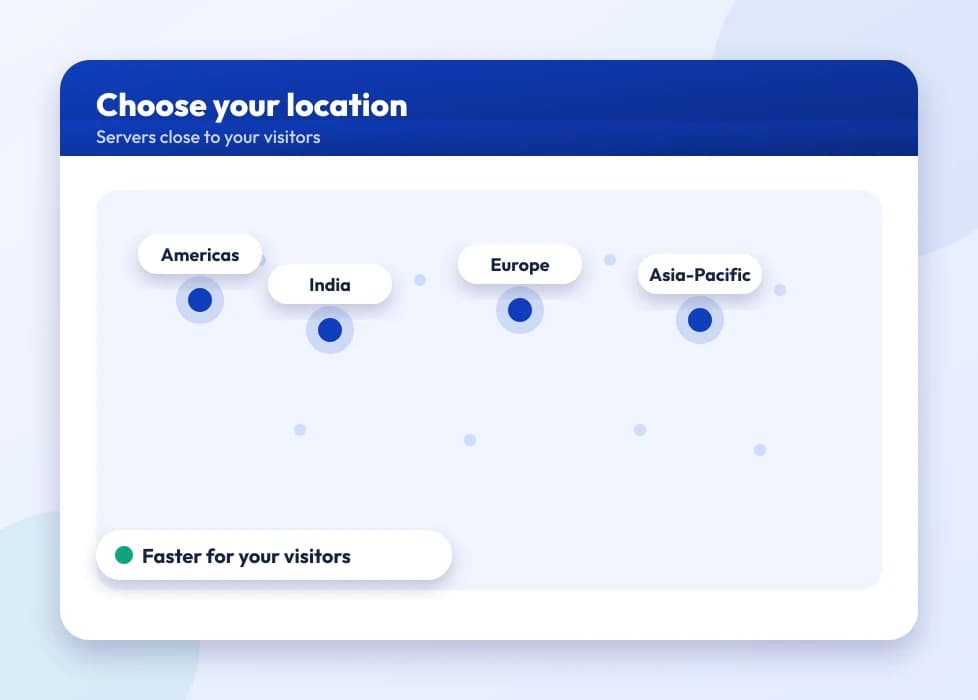
A map of server locations across regions

Served for the USA

Hosting close to your American visitors keeps load times low and Core Web Vitals high.

A page-load speed comparison between storage types

All-NVMe SSD with LiteSpeed

Pure-flash storage and LSCache load pages several times faster than ordinary HDD hosting.

A business inbox with spam filtering and webmail

Free cPanel, SSL and email

The industry-standard control panel, free SSL on every domain and email on your own domain.

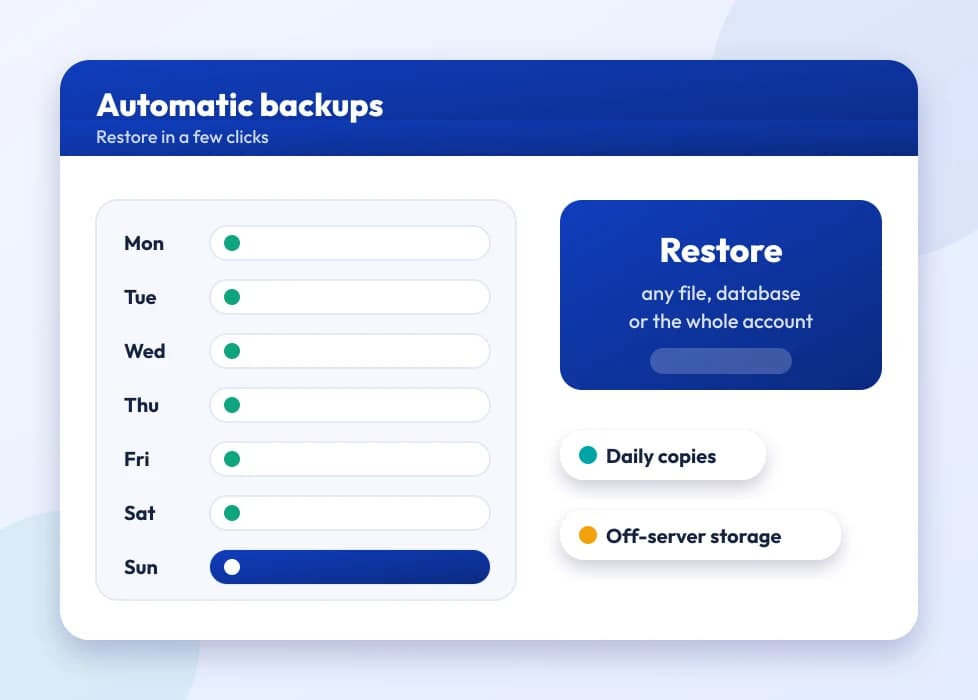
A week of automatic backups with one-click restore

Security and backups

CloudLinux isolation, Imunify360 malware auto-clean and automated daily JetBackup backups.

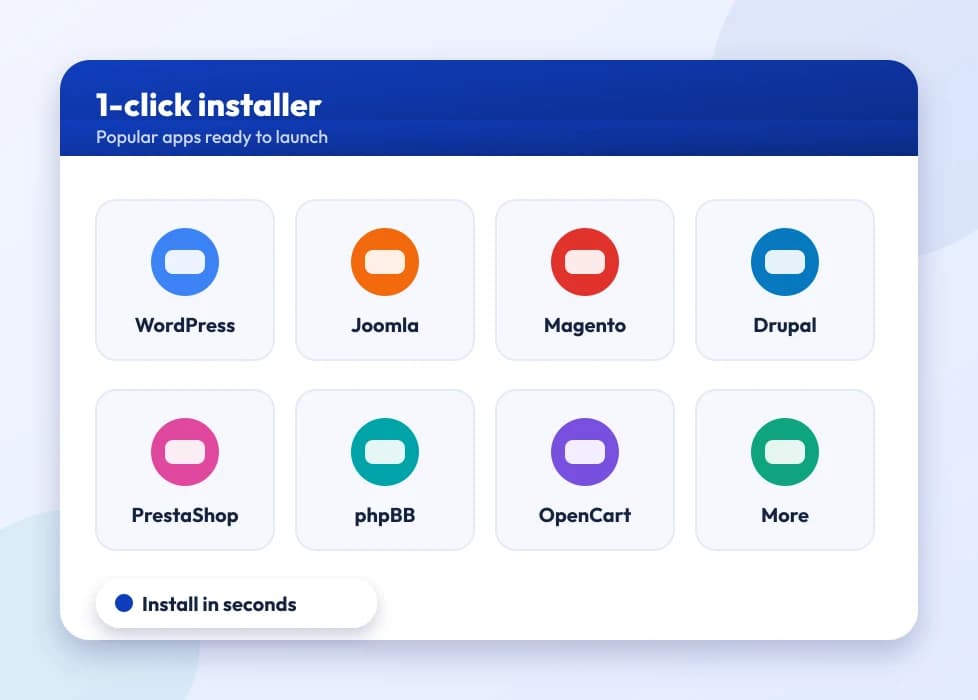
A grid of one-click installable web apps

400+ one-click apps

Install WordPress, Joomla, Magento and hundreds more in a single click.

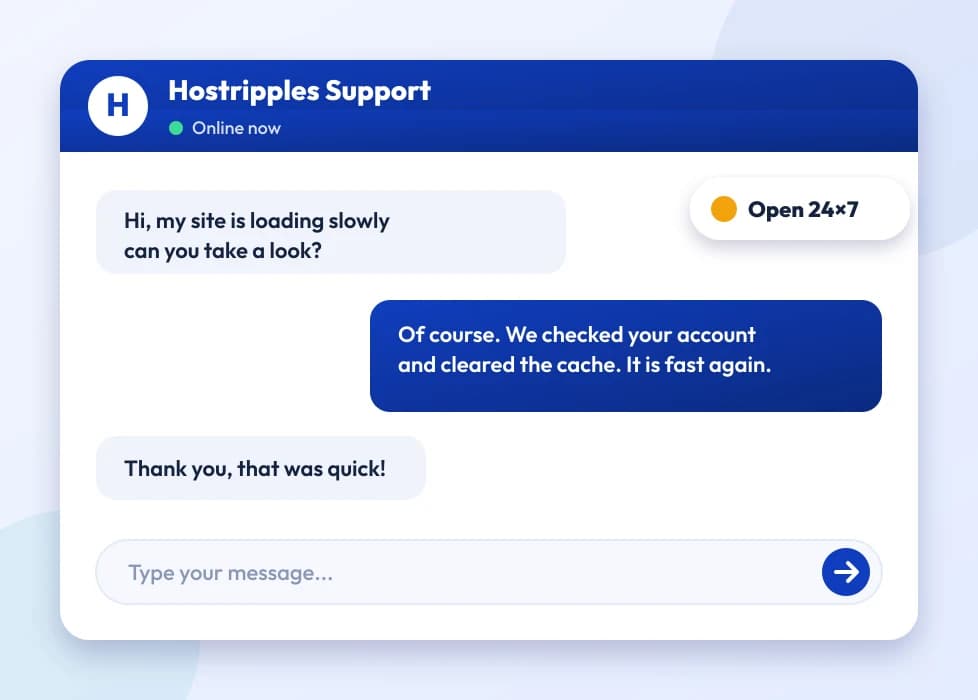
A support chat with an expert answering a question

24×7 multilingual support

Real help by chat, ticket and email, with plans from ₹129.00/mo.

Choosing between Starter, Smart, Business and Enterprise

Our USA shared hosting plans suit websites that are mostly content: a company site, a portfolio, a blog, a clinic or a restaurant, a small WooCommerce shop with sensible traffic. Your account sits on a server with other accounts, but CloudLinux gives each one its own enforced limits, so a busy neighbour cannot take your share. That is what makes our USA cPanel hosting plans predictable, and it is also why the limits deserve a proper look before you buy.

What the four plans give you
PlanNVMe storageWebsitesCPURAMDisk I/OEntry processes
Starter10 GB51 core1 GB5 MB/s20
Smart30 GB202 cores2 GB10 MB/s30
Business75 GB503 cores3 GB20 MB/s40
Enterprise150 GB2004 cores6 GB50 MB/s60

What the limits mean in practice

CPU is a cap on how much processor your account can use at once; 100 percent is one full core. RAM caps the memory all your processes can hold together. Disk I/O caps how fast your account can read and write. Entry processes are the number of requests that can be running at the same moment, mainly PHP and web requests. The last one surprises people. With 20 entry processes, twenty visitors can be waiting on PHP simultaneously, and a twenty-first may be turned away or slowed. Caching matters here, because a page served from cache never reaches PHP.

A sensible way to pick

Starter is right for one small site: a brochure site or a blog. Smart, our pick, fits a business that wants its main site, a blog, a staging copy and perhaps a second brand, with room to breathe. Business suits freelancers and small agencies looking after a handful of client sites, since 50 websites can share the 3 cores. Enterprise allows up to 200 websites, but they all share one 4-core, 6 GB allocation. If you are putting dozens of busy sites on it, you want a VPS instead.

Each plan comes with a set monthly bandwidth and a set number of email accounts and MySQL databases, shown on the plan cards. Storage is the quantity you will count: remember that mailboxes and backups you keep on the account use the same space as your site.

Speed on NVMe web hosting with LiteSpeed

Three things decide how quickly a shared site feels: how fast the server builds the page, how much of that work it can skip, and how far the bytes have to travel. Our NVMe web hosting covers the first two, and your location choice handles the third. Storage is NVMe, the web server is LiteSpeed Enterprise, and LSCache sits on top of it.

Let the cache do the work

For WordPress, the single biggest win is full-page caching. With the LSCache plugin switched on, the server answers most anonymous visits straight from cache without starting PHP at all. That saves CPU and keeps your entry processes free, which is exactly what helps on a shared plan. Every plan includes the WordPress Toolkit and Softaculous, so installing WordPress and configuring updates takes minutes. If you already run a slow WordPress site, our guide to speeding up WordPress goes through the fixes in order.

Pick a sensible PHP version per domain

cPanel lets you choose the PHP version for each domain, from 5.6 up to 8.5. Newer versions are usually faster and are the ones still receiving security fixes, so run the newest that your theme and plugins support. Test on a staging copy first. Old versions exist for legacy software that cannot be updated yet, and they are not a good place to stay. Node.js, Python and Ruby selectors are included for small applications as well.

Images, plugins and the CDN

A free CDN is included. It serves static files such as images, CSS and scripts from locations near your visitors, while your US server still answers the dynamic requests. Compress images before uploading, keep plugins you actually use, and remove the rest. A site with thirty plugins is slow on any storage.

Finally, watch your numbers. If cPanel's resource usage page shows your account regularly touching its CPU or entry-process limit, that is the signal to change plan or to rethink how the site is built.

What sits behind your account

The layers that protect and speed up every shared plan

Imunify360 protection

A web application firewall, malware scanning and automatic clean-up of infected files run on every account, without you installing anything.

CageFS isolation

Each account is walled off from the others, so another customer on the server cannot read your files.

Daily JetBackup copies

Automatic daily backups let you restore a file, a database or a whole account from cPanel.

KernelCare live patching

Kernel security fixes are applied while the server keeps running, so patching does not wait for a reboot window.

LiteSpeed with LSCache

A fast web server plus page caching keeps WordPress and WooCommerce pages quick without extra servers.

How your website is kept secure, and what is still your job

Shared servers get a bad reputation because, years ago, one hacked site could spread to its neighbours. The stack on our plans is built to stop that, and it helps to know what each part does.

  • CloudLinux with CageFS puts every account in its own file-system cage, so an infected neighbour cannot see yours.
  • Imunify360 combines a web application firewall, a malware scanner and automatic clean-up. It blocks many common attacks against login pages and known plugin flaws, and quarantines files that look malicious.
  • KernelCare applies security patches to the running kernel, so the server underneath you stays current.
  • Free Let's Encrypt SSL gives your domains HTTPS, which browsers now expect.
  • JetBackup takes daily backups you can restore from cPanel.

What stays with you

No server-side protection can fix a weak password or an abandoned plugin. Most hacked websites are compromised through a vulnerable plugin or theme, a reused password, or a nulled (pirated) theme that came with a backdoor. So: keep WordPress, themes and plugins updated, delete what you do not use, use unique strong passwords with two-factor sign-in where available, and give people only the access they need.

Backups deserve a special note. Our daily JetBackup copies are good for recovering from a mistake or an attack, but a careful owner also keeps an off-site copy, for example a monthly full download stored somewhere that is not on this server. Check at least once that you can restore, so you know the process before you are in a hurry.

If you do get hit, the sequence is simple: change every password, restore from a backup taken before the problem, update everything, then ask support to look at what let it in.

Moving your site to us with the free migration

Migration is included on every plan at no charge, and for most sites the safest approach is to let us do it. Here is how a move usually goes, so you know what to prepare.

  1. Order the plan. Pick a plan that fits your current site size. A quick look at your old disk usage and number of sites is enough.
  2. Tell us what to move. Contact support with the domains you want moved and arrange access to your current account the way the team asks. Do not paste passwords into an ordinary email.
  3. We copy your site. Files and databases come across to the US server while your live site keeps running on the old one. If you use mailboxes on the old host, mention them so they are included in the plan.
  4. You test. Preview the copy, check your forms, logins and, for a shop, a test order.
  5. Switch DNS. Update your nameservers or records. A short TTL beforehand makes the switch quick.
  6. Keep the old account a few days. Cancel only once mail and scheduled tasks are confirmed working.

Take a fresh backup of the old site before anything starts. It costs nothing and removes the worry. If your domain's mail is hosted elsewhere, say so up front, so nobody moves the wrong records.

Because new shared-hosting customers have a 30-day money-back guarantee, you can also treat the first month as a real trial: move the site, test it under normal traffic, and see whether the limits suit it. That is a more reliable test than reading any spec sheet.

Hosting for a US audience

If your customers are in the United States, a server there is the straightforward choice, and it serves visitors in Canada and Mexico well too. A server in the same country as your visitors usually responds faster than one on another continent. The US spans several time zones, from Eastern (UTC-5) to Pacific (UTC-8), so schedule your own changes and plugin updates for the hours when your customers are asleep. Our support is available 24/7 in any case.

For local visibility, hosting is only the start. Search engines look at how quickly pages load, whether the site works well on a phone, and whether your business name, address and phone number match across your site and listings such as your Google Business Profile. Add a clear contact page and use a domain your customers recognize. If you sell online, plan for Black Friday and Cyber Monday: cache your pages and test checkout well before the date.

When shared hosting stops being enough

USA web hosting on a shared plan is a good place to start and a reasonable place to stay for many sites. Some signs say it is time to move.

  • Visitors see resource-limit errors, or pages slow down at peak hours even with caching on.
  • You need software that cPanel cannot run: a background worker, a custom database such as Redis, or a particular version of a service.
  • You want root access to tune the server yourself.
  • Your traffic is growing and spikes, for example during a campaign or an online sale.

The next step is a VPS. Our SSD VPS runs in three US regions, USA East, USA Central and USA West, and gives you your own cores and memory plus full root access. The SSD VPS is delivered within 2-3 days, so plan ahead and do not wait for an emergency. If you need a lot of disk for backups or media, the Storage VPS in USA East is built for that. After that, if one application needs a whole machine, our dedicated servers are the next step; the closest locations to US visitors are in Canada.

Got Questions?

Frequently Asked Questions

Everything you need to know about USA web hosting

USA web hosting is shared cPanel hosting tuned for fast performance for the USA and North America. You get NVMe speed, free cPanel, free SSL and 24×7 support.
Yes, our USA hosting starts at just ₹129.00/mo with NVMe speed, free cPanel, free SSL and free migration.
Yes, our higher plans let you host multiple domains and websites on a single USA hosting account.
Our USA web hosting runs on fast NVMe SSD servers in the United States, keeping load times low for visitors across the US and North America.
Yes, every plan includes the free cPanel control panel, free SSL on every domain and email accounts on your own domain.
Yes, the Softaculous installer in cPanel installs WordPress and 400+ apps in a single click.
Yes, we move your existing website to our USA hosting for free, with no downtime and no data loss.
Yes, new shared-hosting customers get a 30-day money-back guarantee, so you can try it risk-free.
Starter fits a single small site. Smart is our pick for a business site plus a blog and a staging copy. Business suits agencies with several client sites, and Enterprise allows up to 200 websites within one shared 4-core, 6 GB allocation.
They cap what one account can use: CPU, RAM, disk I/O and entry processes, which are simultaneous PHP and web requests. They keep neighbours from affecting you, and they also mean a very busy site can hit its ceiling and slow down.
It is built for it: NVMe storage, LiteSpeed with LSCache, WordPress Toolkit, Softaculous and a PHP version you choose per domain. Turn on full-page caching, keep plugins updated, and a typical business site runs comfortably on Smart.
The server holds your account to its limit instead of letting it affect others, so visitors may see slow pages or a resource-limit error. Caching, fewer plugins and image compression usually fix it. If it keeps happening, upgrade or look at a VPS.
Daily JetBackup backups are included on every plan, and you can restore files, databases or accounts from cPanel. It is still wise to keep a separate off-site copy now and then, in case you ever need one that is not on this server.
Add the three DNS records for your domain, using cPanel's email deliverability tool to see what is missing. Start DMARC in monitoring mode, read the reports, and tighten it once your real mail passes. Add any third-party sender to your SPF record.
Shared hosting is meant for everyday business mail. For newsletters and large campaigns use a specialist email-sending service and keep your hosting mailboxes for staff. It keeps your domain reputation healthier and avoids hitting account limits.
Small apps, yes. Node.js, Python and Ruby selectors are included in cPanel. For long-running workers, custom services or anything needing root access, a VPS is the better home. Ask support if you are unsure about your app.
When you see resource-limit errors despite caching, need software cPanel cannot run, want root access, or expect traffic spikes. Plan ahead, because the SSD VPS is delivered within 2-3 days. Our shared vs VPS guide covers the trade-offs.
No. This is general information, not legal advice, so check with your own adviser. State privacy laws such as the California Consumer Privacy Act set rules for how businesses collect, use and protect personal data, and those duties stay with your business wherever the server is.
Use the newest version that your theme and plugins support, as newer ones are faster and still get security fixes. cPanel lets you set it per domain from 5.6 to 8.5, so test on a staging copy before changing your live site.

Still have questions?

Our support team is live 24/7 in English, Hindi & Marathi.

Chat with an Expert

Ready to host your website in the USA?

Fast NVMe hosting close to your US audience, free SSL, free migration and 24×7 expert support.

View Plans