Skip to content
Hostripples

Massive-StorageStorage VPS

KVM virtual servers built for storage, up to 1.4 TB SSD with unlimited traffic (fair use) for backups, archives, media and self-hosted clouds. Full root access, delivered within 2–3 days.

STARTING AT
₹1,309.00/mo
✓SSD storage · 24/7 expert support

Storage VPS Plans

Pick your datacenter, then your billing term, prices update live, including any location surcharge.

LocationServer location
Storage VPS S
Backups and file sync
₹1,540/mo

₹1,540.00 billed today for 1 month

Renews at ₹1,540.00 every month

CPU2 vCPU
RAM4 GB RAM
Storage300 GB SSD
BandwidthUnlimited (200 Mbit/s port)
Order Now
Storage VPS M
Media libraries and archives
₹2,099/mo

₹2,099.00 billed today for 1 month

Renews at ₹2,099.00 every month

CPU3 vCPU
RAM8 GB RAM
Storage400 GB SSD
BandwidthUnlimited (300 Mbit/s port)
Out of stock
Storage VPS LOur pick
Nextcloud for teams
₹3,918/mo

₹3,918.00 billed today for 1 month

Renews at ₹3,918.00 every month

CPU6 vCPU
RAM18 GB RAM
Storage1 TB SSD
BandwidthUnlimited (600 Mbit/s port)
Order Now
Storage VPS XL
Large archives and self-hosted clouds
₹6,997/mo

₹6,997.00 billed today for 1 month

Renews at ₹6,997.00 every month

CPU8 vCPU
RAM30 GB RAM
Storage1.2 TB SSD
BandwidthUnlimited (800 Mbit/s port)
Order Now
Storage VPS XXL
Maximum capacity and memory
₹10,379/mo

₹10,379.00 billed today for 1 month

Renews at ₹10,379.00 every month

CPU14 vCPU
RAM50 GB RAM
Storage1.4 TB SSD
BandwidthUnlimited (1 Gbit/s port)
Order Now
24×7 expert support

Ideal for backups, archives, media and Nextcloud. Unlimited traffic (fair use), full root access, delivered within 2–3 days. Windows Server can be added at checkout. Prices exclude GST.

Storage VPS locations

Every location has its own page with the plans and prices for that datacentre: Australia, Germany, India, Japan, Singapore, United Kingdom, USA Central, USA East and USA West. Pick the one closest to your users: the plan line-up is the same everywhere, and each page shows that location’s prices.

Who is a Storage VPS for?

Full-root KVM storage in an Indian datacentre (plus 8 more locations worldwide), sized for the data that outgrows shared hosting.

Shared hosting gives you enough disk for a website and its media, not for an actual backup archive or a growing photo and video library. A Storage VPS is the same full-root KVM server as our other VPS lines, built around one thing: real capacity, up to 1.4 TB of SSD, for the kind of data that just needs somewhere reliable to live.

Backup and disaster recovery

Keep offsite copies of servers, databases and files with real room to grow, instead of watching a shared-hosting quota fill up after a few weeks of daily backups. A dedicated backup target away from your production server is what actually makes a disaster-recovery plan work when it's tested for real, not just something you meant to set up.

Media and photo libraries

Store and serve large video and photo collections without hitting a storage cap partway through a project. Agencies and studios working with client media, or anyone running a growing photography or video portfolio, end up needing capacity long before they need more CPU.

Self-hosted cloud storage

Run Nextcloud or ownCloud on a server with the disk space actual file sync and team storage needs, rather than a general-purpose VPS tier that was sized for running an application, not holding one person's or one team's files.

Long-term archives and compliance retention

Retain logs, financial records, old project data or anything else you're required to keep for a fixed number of years, without paying for the CPU and RAM a live application would need, since none of that data is actually being processed day to day.

Why choose a Hostripples Storage VPS

Terabytes of SSD, full root access, priced for the capacity you actually need — including a datacentre in India for local backups and storage.

SSD at every tier, not spinning disks

Plenty of "storage VPS" products quietly drop to HDD once you ask for real capacity, because spinning disks are cheaper per gigabyte. Every tier here, right up to 1.4 TB, stays on SSD, so a large backup restore, a media library scrub, or a Nextcloud sync doesn't crawl the way it would on mechanical storage.

A page-load speed comparison between storage types

Full root access

Install the backup agent, sync tool or storage stack you actually use, rather than working around a locked-down storage appliance's fixed feature set. That means rsync, restic, Borg, Nextcloud, ownCloud, or anything else that runs on a standard Linux server.

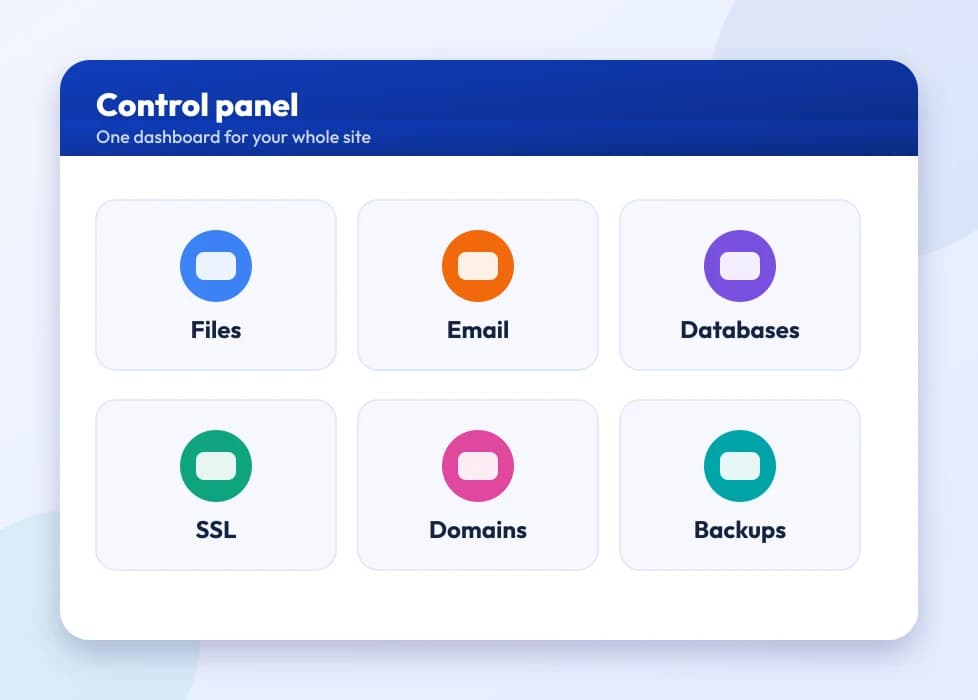
A control panel dashboard with tiles for the main tools

Unlimited traffic, fair use

Move large backups and media in and out without watching a per-GB transfer bill, the way a lot of object-storage pricing works elsewhere. A full restore of a large backup set, or syncing a big media library for the first time, doesn't turn into a surprise line item.

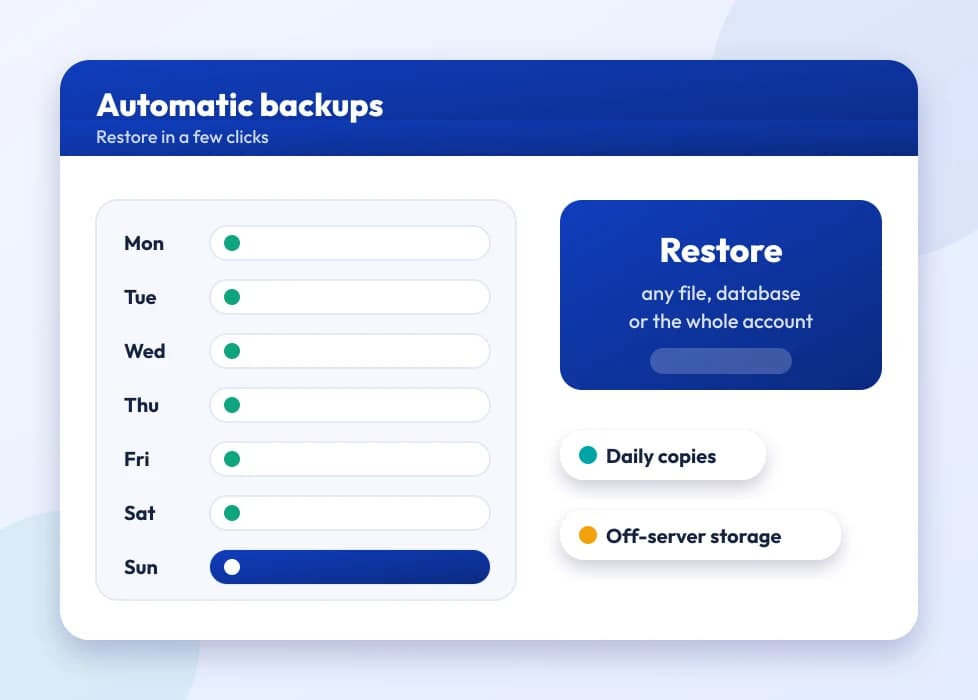
A week of automatic backups with one-click restore

24×7 expert support

Real help sizing a plan, troubleshooting a sync job, or talking through a backup strategy, with plans from ₹1,309.00/mo. Support is available in English, Hindi and Marathi, so explaining a storage problem doesn't mean translating it first.

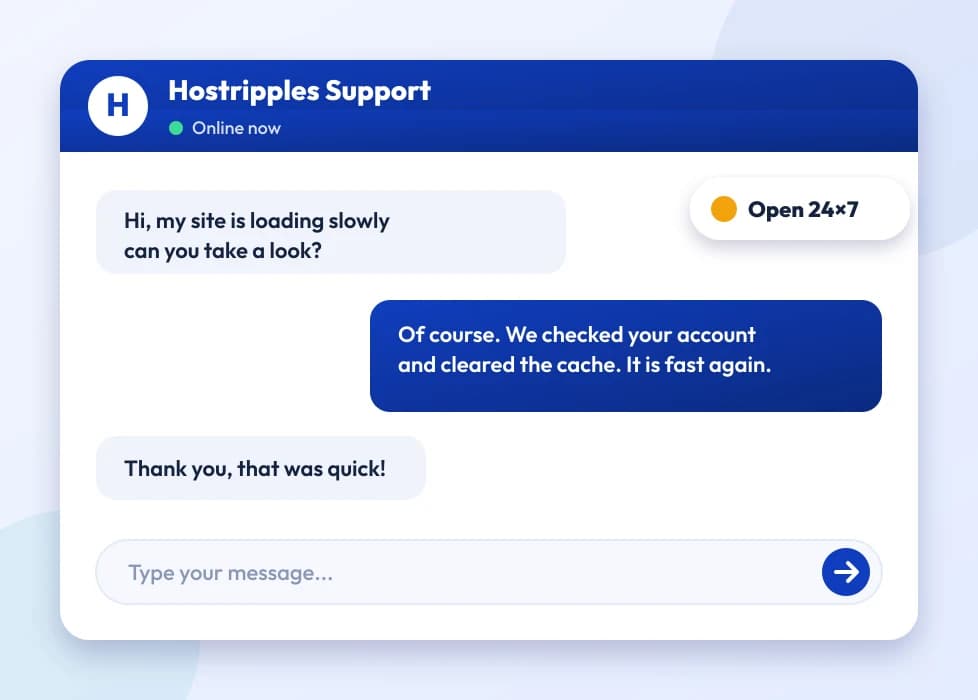
A support chat with an expert answering a question

Which plan is right for me?

Pick the line that fits what you need. These are the same plans and live prices as the cards above.

  • Backups and file sync

    Storage VPS S

    2 vCPU · 4 GB RAM · 300 GB SSD

    ₹1,540/mo

    ₹1,540.00 billed today for 1 month

    Choose Storage VPS S
  • Media libraries and archives

    Storage VPS M

    3 vCPU · 8 GB RAM · 400 GB SSD

    ₹2,099/mo

    ₹2,099.00 billed today for 1 month

    Out of stock
  • Nextcloud for teams

    Storage VPS L

    6 vCPU · 18 GB RAM · 1 TB SSD

    ₹3,918/mo

    ₹3,918.00 billed today for 1 month

    Choose Storage VPS L
  • Large archives and self-hosted clouds

    Storage VPS XL

    8 vCPU · 30 GB RAM · 1.2 TB SSD

    ₹6,997/mo

    ₹6,997.00 billed today for 1 month

    Choose Storage VPS XL
  • Maximum capacity and memory

    Storage VPS XXL

    14 vCPU · 50 GB RAM · 1.4 TB SSD

    ₹10,379/mo

    ₹10,379.00 billed today for 1 month

    Choose Storage VPS XXL

Prices for Germany. Other billing terms and server locations are on the plan cards.

Got Questions?

Frequently Asked Questions

Everything you need to know

It's the same full-root KVM virtual server as our SSD and NVMe VPS lines, built around one difference: disk space. Where our standard VPS tiers balance CPU, RAM and storage for running an application, Storage VPS tiers lean heavily toward capacity, up to 1.4 TB of SSD, for workloads where holding data matters more than raw compute.
SSD, at every tier including the largest 1.4 TB plan. Some storage-focused VPS products switch to spinning disks once you ask for real capacity, which is fine for cold archives but slow for anything you restore or sync often; this line stays on SSD throughout.
Yes, that's one of the more common uses for this line. Full root access means you can install Nextcloud, ownCloud or any other self-hosted sync platform yourself, sized to whichever tier gives you enough disk for your team's actual storage needs. We also have dedicated ownCloud and Nextcloud hosting pages if you'd rather have the platform set up for you.
Yes. Keeping backup copies somewhere other than the server you're backing up is the whole point of an offsite backup, and a Storage VPS in a different datacentre (or even a different country) from your main server does that, with enough room to keep more than one backup generation instead of overwriting the last one every night.
Yes. With full root access you can install and run whatever backup or sync tooling you already use, rsync over SSH, restic, Borg, or a GUI backup client that supports a generic server target, the same way you would on any Linux VPS.
Traffic is unlimited under a fair-use policy, so moving large backups or media libraries in and out isn't metered per GB the way some object-storage pricing works. Each tier does have a port speed cap, shown on the plan card, which is the practical ceiling on how fast a single transfer can go.
Yes, you can move up to a larger Storage VPS tier as your data grows, the same as upgrading any other VPS plan. It's worth sizing a little ahead of your current needs rather than the exact minimum, since an archive or backup target tends to grow steadily rather than shrink.
Storage VPS is a virtual machine, KVM on shared physical hardware, with SSD capacity up to 1.4 TB, delivered in 2–3 days and billed monthly like any VPS. Storage Servers are physical dedicated machines with far larger raw capacity for archives and backups at real scale. If a VPS-sized amount of storage covers what you need, Storage VPS is the faster, cheaper way to get it; if you're well past multiple terabytes, a dedicated Storage Server is the better fit.
Yes. Storage VPS includes the same full root access as our SSD and NVMe VPS plans, so you can install any OS, backup agent or storage software you need rather than being limited to a fixed appliance.
Yes. Storage VPS is available in India alongside eight other global locations, so an Indian business can keep backups, archives or a self-hosted cloud physically close to home for lower latency, while still having the option to mirror a copy in another country for genuine offsite redundancy.
Object storage services usually bill per GB stored plus per-GB egress (the data you download), which adds up fast once you're restoring backups or syncing a large media library regularly. Storage VPS is a flat monthly price for the tier, with unlimited traffic under fair use, so a restore or a big sync doesn't generate a surprise bill the way per-GB egress pricing can.
Not as plug-and-play network-attached storage out of the box, but with full root access you can set up SFTP, NFS or a similar protocol yourself and mount it from another machine you control. It's a real server you configure, not a managed NAS appliance.
The same choices as our other VPS lines — Ubuntu, Debian, AlmaLinux, Rocky Linux and others — plus Windows Server if your backup or storage tooling specifically needs it, available at checkout.
Yes, this is one of the more common uses for the larger tiers. Raw photo and video files eat through shared-hosting storage limits quickly, and a Storage VPS gives you full-SSD capacity that scales with the size of a growing client portfolio, without the CPU and RAM overhead of a general-purpose VPS you don't actually need.
Technically yes, since you have full root access and real SSD capacity, though this line is really built around storage and sync workloads rather than video transcoding, which is CPU-heavy. If transcoding performance matters more than raw storage, one of our standard NVMe VPS tiers with more CPU cores may be a better fit alongside the storage.
Shared hosting storage is meant for a website and its assets, not a general-purpose backup or file target, and most shared plans cap out well below what a Storage VPS tier offers. A Storage VPS is also a full server you control, not a managed hosting account, so it fits use cases shared hosting was never designed for — running your own sync platform, mounting storage for another machine, or keeping backups genuinely separate from what's being backed up.
Some. Storage VPS is self-managed and unmanaged out of the box, so setting up backup tooling, Nextcloud, or file-sharing protocols means working from the command line. If you'd rather not do that yourself, our fully managed support option can handle setup and maintenance on the same hardware.
Snapshot availability follows the same policy as our other VPS lines — check the plan details at checkout for the specific tier, since snapshot behavior can vary by plan size given how much data there is to snapshot.
No, Storage VPS is billed monthly (or on a longer cycle if you choose one for a discount) with no fixed contract, the same as our other VPS plans. You can cancel or downgrade in line with our standard billing terms.
You can, since it's a full Linux server, but these tiers trade CPU and RAM for disk capacity, so a write-heavy production database will generally perform better on an NVMe VPS tier sized for compute. Storage VPS suits a database that's mostly being archived or queried occasionally, not one under constant heavy load.
Within 2–3 days of ordering, the same as our SSD and NVMe VPS lines, since provisioning real storage capacity takes a little longer than a smaller general-purpose instance.
Additional storage is generally handled by moving to a larger tier rather than an in-place disk expansion, since each tier's CPU and RAM are sized to match its storage. Support can advise on the smoothest way to move up if you're approaching your current tier's limit.
Traffic is unlimited under a fair-use policy rather than capped with an overage charge, so an unusually heavy month (a large restore, a bulk sync) doesn't trigger a surprise bill. Fair use exists to catch genuinely abusive patterns, not normal backup and storage activity.
Yes, that's a reasonable fit — large file storage for version control (Git LFS), build artifacts or package repositories is exactly the kind of steadily-growing, capacity-heavy workload this line is built for, and full root access means you can run whatever repository software you need.
You control the OS and full root access, so you can set up disk or filesystem-level encryption yourself (LUKS on Linux, for example) if that's a requirement for your data. It isn't enabled by default, since encryption-at-rest requirements vary a lot by use case and compliance need.
Yes, and it's a common pairing — keeping your backup target on a separate VPS from the server being backed up is what makes the backup actually useful if the primary server has a problem. You can even choose a different datacentre location for the backup target for extra separation.
Start from how much data you're storing today, then size up rather than down — backups, media libraries and archives tend to grow, not shrink. The L tier is the middle ground most customers land on for a small team's Nextcloud instance or a moderate backup archive; XL and XXL are for larger archives, big media libraries, or several years of retained data.
No, this is a self-managed, root-access VPS, not a panel-managed hosting account. If you want a web interface for managing files, that's exactly what installing Nextcloud or ownCloud on top of it gives you — the VPS itself is just the server underneath.
Yes — as a full Linux server, you can create multiple user accounts, set up SFTP access for a team, or run a platform like Nextcloud that has its own multi-user login and permissions on top of the server.
It can be, since you have full control over how data is stored, encrypted and retained, but the compliance responsibility sits with you, not with Hostripples — we provide the infrastructure and capacity, not a compliance certification. If your requirements are specific (data residency, retention periods, audit trails), check they're met by how you configure the server, the same as you would with any self-managed infrastructure.
The price covers the server itself: the vCPU, RAM, SSD storage and bandwidth for your chosen tier, full root access, and 24×7 support. Backup or sync software (rsync, restic, Nextcloud, and so on) is free, open-source tooling you install yourself, not a paid add-on.
Moving to a smaller tier is possible following our standard downgrade process, but since storage tiers are built around disk capacity, downsizing means making sure your actual data fits the smaller tier first. Support can talk through the safest way to do this without risking data.
Each tier has a port-speed cap shown on its plan card, which is the practical ceiling on how fast a single large transfer completes — the bigger tiers get correspondingly faster ports. Traffic itself stays unlimited under fair use throughout, so a one-time large migration doesn't cost anything extra beyond the time it takes to transfer.
No, same billing structure — monthly or a longer term for a discount, prices exclude GST which is added at checkout, and there's no separate storage-specific billing model or per-GB charge layered on top.
Yes — a self-hosted Vaultwarden or Bitwarden instance is a lightweight, storage-light workload that runs fine here, though it's a case where the smallest tier is usually plenty, since the real value of this line is disk capacity you're unlikely to need much of for a password vault.
Yes, the same infrastructure-level monitoring covers Storage VPS as our other VPS lines — our engineers watch for hardware and network issues on our side. What's running inside your server (your backup jobs, your Nextcloud instance) is yours to monitor, since it's a self-managed server.
Yes, there's nothing that limits this to a single project — agencies managing backup infrastructure or file storage for multiple clients can order separate Storage VPS instances under one account, sized individually to each client's actual data volume.
You choose the OS at order time from the available Linux distributions, or Windows Server if you need it — there's no fixed default installed for you to work around, since full root access means you're setting the server up as a blank slate from the start.

Still have questions?

Our support team is live 24/7 in English, Hindi & Marathi.

Chat with an Expert

Need serious storage?

Spin up a full-root Storage VPS with terabytes of SSD, perfect for backups, archives and media.

View Plans