
Skip to content
Hostripples

HOSTRIPPLES SECURITY

Security Overview

SSL certificates and website security services from Hostripples, with live pricing and 24×7 support.

Explore solutions
1Solutions
SecurityCategory
One place

FIND YOUR FIT

All Security Solutions

1 solution to explore

Starting prices depend on the plan, billing term and availability. See each service page for full pricing and applicable taxes.

Website Security in India: Why It's Not Optional Anymore

Most Indian website owners think about security the day something goes wrong — a browser warning scares off a visitor, a payment page gets flagged, or a customer asks why the site doesn't show the padlock. By then it's already cost you trust, and possibly a sale.

The starting point is HTTPS. Every browser now marks a site without SSL as "Not Secure," right in the address bar, and that's before a visitor has read a word of your content. For a business site, an online store, or anything with a login or contact form, that warning alone is enough to send someone straight to a competitor's site instead.

Beyond the padlock, security is really about what happens to data in transit and what's protecting the server underneath. An SSL certificate encrypts the connection between your visitor and your site; the hosting layer beneath it — firewalls, malware scanning, isolation between accounts — protects the site itself. Both matter, and neither substitutes for the other.

There's also a cost side worth being upfront about: a free SSL certificate covers encryption for the vast majority of Indian small business and personal websites perfectly well, and there's no reason to pay for more than that unless your site specifically needs business identity verification (OV/EV) or covers several domains under one certificate. Security spending should match what the site actually handles, not a fear of missing out on a "premium" badge.

The rest of this page walks through who specifically needs to think harder about security, how Hostripples handles it by default, and the questions that come up most often — whether you're setting up a first website or auditing one that's been live for years.

Who actually needs website security?

Short answer: any site handling visitors, logins or payments.

If your site collects so much as a name and email through a contact form, security isn't optional — it's what tells a visitor you're worth trusting with that information. The four groups below aren't exhaustive, but they cover the vast majority of Indian websites we host, from a single-page portfolio to a full online store.

Online stores

Payment pages and checkout flows are the first thing a visitor checks for the padlock before entering card details.

Login and account pages

Any page asking for a password needs encryption in transit, or that password is sent in the clear.

Business and brochure sites

Even a simple site with a contact form is expected to show HTTPS by visitors and search engines alike.

Sites that care about SEO

Google has used HTTPS as a ranking signal for years, and a security warning increases the bounce rate that hurts rankings anyway.

How Hostripples approaches website security

Free SSL on every hosting plan, premium certificates when you need more, and security built into the server underneath.

Free SSL on every hosting plan

A Let's Encrypt certificate is installed automatically on every Hostripples hosting plan, so the padlock is there from day one without an extra purchase or a support ticket.
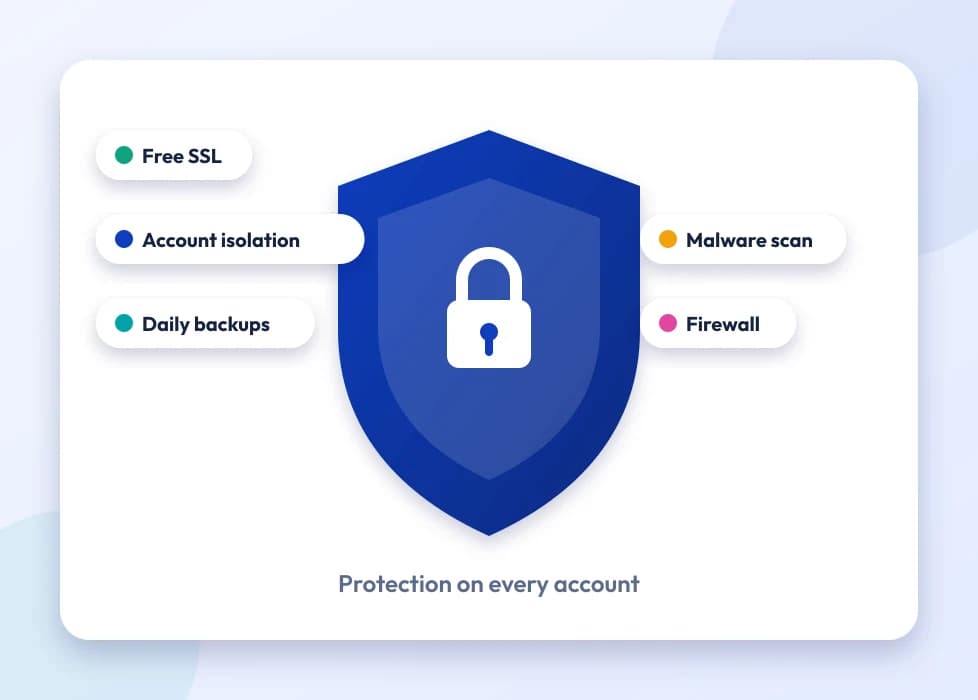
A shield with SSL, isolation, backups and malware protection

Premium certificates for businesses that need them

Stores, login pages and anything handling sensitive data can step up to an OV or EV certificate from a recognized CA — see SSL Certificates for the full lineup and live pricing.
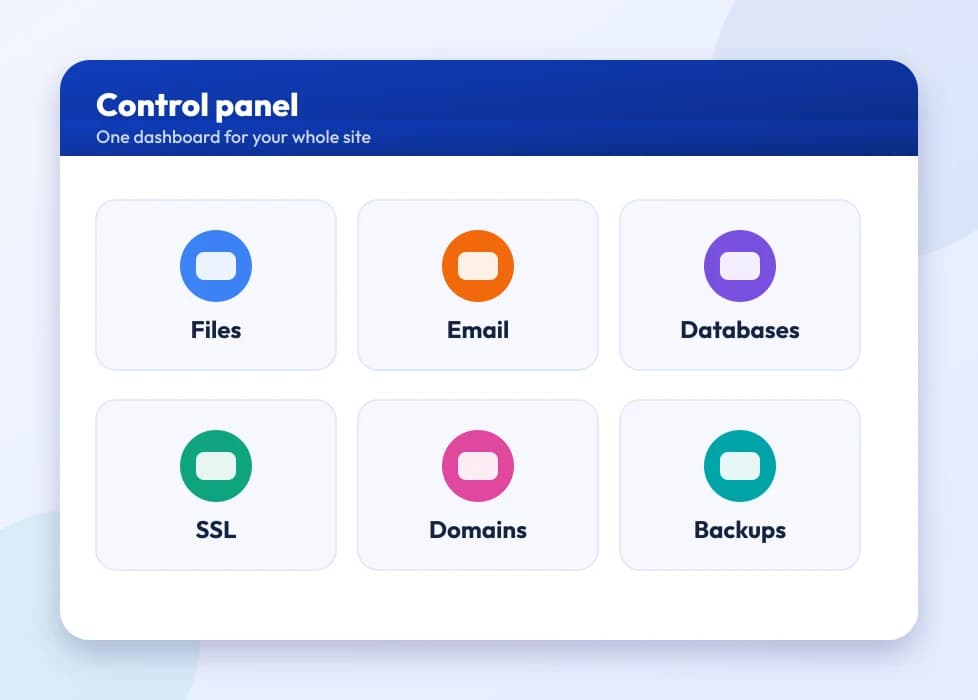
A control panel dashboard with tiles for the main tools

Security below the certificate

Imunify360 and CloudLinux isolation on our hosting plans handle malware scanning and account-level protection, so SSL isn't carrying the whole security job on its own.
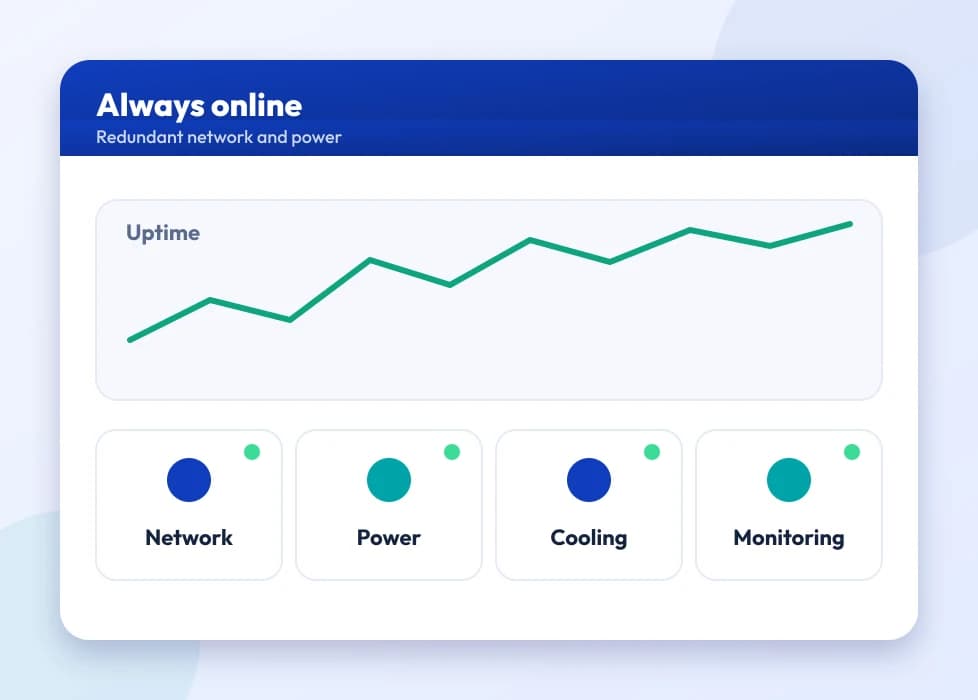
An uptime graph with network, power, cooling and monitoring indicators

24×7 expert support

Real help choosing between certificate types, troubleshooting an installation, or just confirming a site is actually secure, in English, Hindi and Marathi.
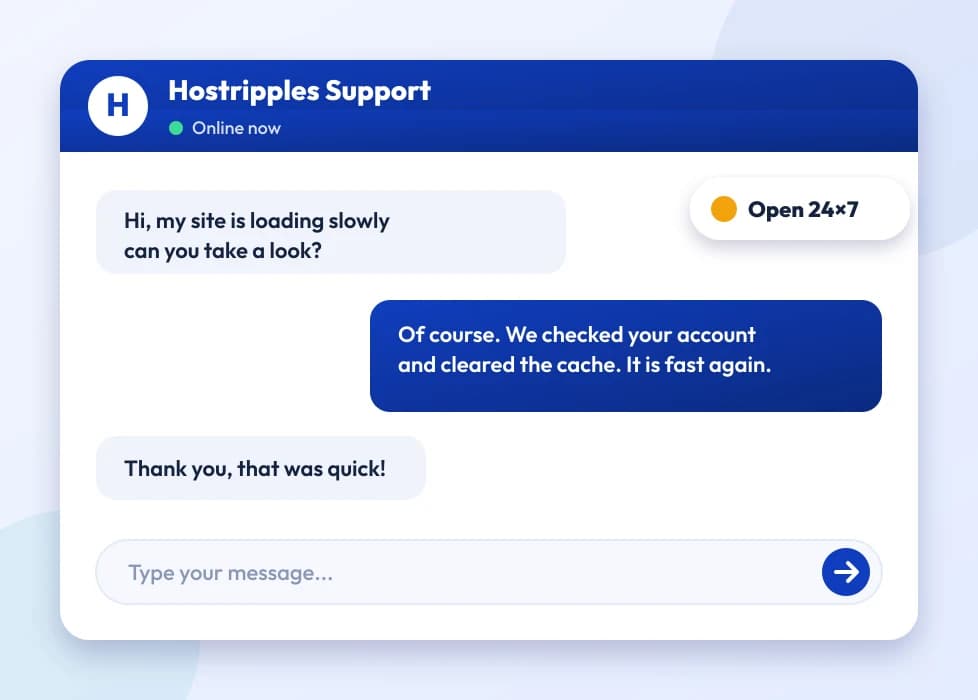
A support chat with an expert answering a question
None of this requires you to become a security expert — the free certificate and server-level protection are already working in the background on every Hostripples plan. The choices below only matter once your site's needs grow past the default.
Got Questions?

Website Security FAQs

The basics, before you dive into certificate types

Not necessarily — every Hostripples hosting plan already includes a free SSL certificate, installed automatically. You'd buy a paid certificate specifically for higher validation levels (OV or EV) if your site is a store, handles logins, or you want the extra business verification and warranty that come with a premium certificate.
For encryption, yes — a free Domain Validation certificate encrypts the connection exactly as strongly as a paid one. What a paid OV or EV certificate adds is business identity verification and a warranty, not stronger encryption.
SSL/HTTPS protects data moving between your visitor and your server. It doesn't stop malware getting onto the server itself, a weak admin password being guessed, or a plugin vulnerability being exploited — that's what firewall, malware scanning and account isolation (Imunify360, CloudLinux on our hosting) are for. A secure site needs both.
That warning appears specifically when a page is served over HTTP instead of HTTPS, regardless of whether anything else about the site is wrong. Installing an SSL certificate and making sure the site actually loads over https:// (not just having one issued) removes it.
HTTPS has been a confirmed ranking signal for years, and a security warning drives up the bounce rate that hurts rankings independently of that. Security isn't just a trust signal for visitors — it has a direct SEO angle too.
At minimum, yes for SSL, since it's free and automatic on our hosting anyway, so there's no reason to skip it. Full premium certificates and heavier security tooling matter more once a site starts handling visitor data, logins or payments, which a personal site sometimes grows into without anyone deciding it should.
Yes, the SSL Certificates page has the full catalog — six Certificate Authorities, DV/OV/EV validation levels, Wildcard and Multi-Domain options, all live-priced.
Yes — our hosting plans run Imunify360 for malware scanning and firewall protection and CloudLinux for account isolation, so one compromised account on a shared server can't easily affect others. SSL is one layer of a broader security setup, not the whole thing.
It's a small file installed on your server that does two things: encrypts the connection between your site and its visitors, and proves to the browser that your domain is genuinely yours. The padlock in the address bar is the visible result of both.
With the free certificate included on Hostripples hosting, it's automatic — no separate order or installation step. A paid certificate through SSL Certificates is typically issued within minutes for Domain Validation, or a few business days for Organization or Extended Validation, which require verifying your registered business.
No, modern SSL/TLS has negligible performance overhead, and HTTP/2 (which most browsers now require HTTPS for) is actually faster than plain HTTP in most real-world cases. Any slowdown people notice after adding SSL is almost always an unrelated hosting or code issue, not the certificate itself.
The padlock disappears and browsers show a hard security warning instead of quietly failing, which stops most visitors from proceeding at all. Free certificates renew automatically on our hosting; paid certificates need manual renewal unless you've set up auto-renewal, so it's worth knowing which one you're on.
No — they protect different things. SSL encrypts data moving between visitor and server; Imunify360 is server-side protection that scans for malware, blocks intrusion attempts and cleans infected files automatically. Both are included on Hostripples hosting, but they're solving different problems.
Yes. SSL protects data in transit, not the website's code, plugins or admin credentials. A site can have a perfectly valid certificate and still get compromised through a weak password, an outdated plugin or a vulnerable script — which is exactly why server-level security (firewall, malware scanning, backups) matters alongside SSL, not instead of it.
Only if you're using a standard single-domain certificate. A Wildcard certificate covers a domain and every one of its first-level subdomains (mail.example.com, shop.example.com) under one certificate, which is usually the simpler and cheaper route once you have more than one or two subdomains to secure.
The technical side is the same everywhere, but Indian customers have become noticeably more padlock-aware over the last few years, partly from UPI and digital payment adoption pushing security literacy up generally. A missing padlock or a browser warning tends to cost more visitor trust here than it might have five years ago, not less.
It protects the connection carrying that data, which is a necessary piece, but actual card and payment processing security is typically handled by your payment gateway (Razorpay, PayU, and similar), not by the SSL certificate itself. SSL is the encrypted tunnel; the gateway is what's responsible for how payment data is actually processed and stored.
Confirm HTTPS is actually working (not just installed — check the site loads with the padlock, not a mixed-content warning), then make sure hosting-level protection like malware scanning is active. Everything past that — premium certificates, advanced monitoring — is worth adding as the site grows, not before it has visitors to protect.
It's real and confirmed by Google directly — HTTPS has been a ranking signal since 2014, and Chrome has marked non-HTTPS sites as "Not Secure" for years now. It's a minor signal compared to content quality and backlinks, but it's not nothing, and the trust/bounce-rate effect on real visitors is usually bigger than the direct ranking impact anyway.
It depends on the certificate type. Most standalone-purchased certificates (like the ones on SSL Certificates) can be reinstalled on a new host if you have the private key and certificate files. A free certificate that's tied to a specific host's auto-renewal system usually doesn't transfer — you'd just get a new free one issued on the new host instead.
A "Not Secure" label usually just means the page is plain HTTP with no certificate at all. A certificate error (expired, wrong domain, untrusted issuer) is more serious — it's a full-page browser warning that actively discourages visitors from continuing, not just a label in the address bar.
Loading the site and looking for the padlock with no warning icon is the simplest check; a mixed-content warning (padlock with an exclamation mark) usually means some resources on the page — an image, a script — are still loading over plain HTTP even though the page itself is HTTPS. Our support team can also check a site's certificate setup directly if something looks off.
Every page, not just checkout. Browsers apply the "Not Secure" warning site-wide based on the connection, not per page, and a visitor who sees it on your homepage is unlikely to trust the checkout page later even if that one happens to be secure.
Beyond the immediate visitor-trust hit from a browser warning, an unprotected site is a more likely target for malware injection, which can get a domain flagged by Google Safe Browsing or blacklisted by email providers — both of which are far more disruptive and slower to fix than installing a certificate would have been.
Yes — all three validation levels are on the SSL Certificates page, sourced from six major CAs (Sectigo, DigiCert, GeoTrust, Thawte, RapidSSL, GoGetSSL), so you can compare DV, OV and EV options across brands rather than being locked into one issuer's pricing.
It's good practice but less urgent than production — a staging subdomain that's password-protected or not publicly linked carries lower risk. If it's reachable by search engines or the public at all, treat it the same as any other live page.
Indirectly but meaningfully: a domain that's been flagged for malware or blacklisted tends to have its outbound email trust drop too, since spam filters increasingly correlate domain reputation across web and email. Keeping the website side clean protects the email side as a side effect.
The padlock with no warning icon, the domain in the address bar matching what you expect (not a lookalike), and for anything handling payments, that the checkout itself stays on the same secure domain rather than redirecting somewhere unexpected. These three checks catch the vast majority of obviously insecure or spoofed sites.
No — a trust seal or badge is just an image, often purchased separately or even added without any actual certificate behind it. The only reliable proof of a working SSL certificate is the browser's own padlock indicator, not a badge graphic anywhere on the page.
In most cases, yes. If you're not processing payments directly on your own site (using a hosted payment gateway checkout instead) and don't handle particularly sensitive customer data, the free Domain Validation certificate that ships with hosting covers the actual security need. Upgrading to OV/EV is more about added business credibility signals than a functional requirement at that scale.
Treating security as a one-time setup instead of an ongoing thing — installing SSL once and then never checking on renewal, plugin updates, or whether a certificate has quietly expired months later. Automated renewal on hosting-included SSL removes one part of that risk; the rest still needs the occasional check-in.
Yes, depending on the plan: daily automated backups (JetBackup), CloudLinux account isolation on shared hosting, and DDoS protection on VPS and dedicated lines. SSL and Imunify360 are the two most directly relevant to this overview page, but the fuller security picture on any given plan is broader than just those two.
Visit your own site in a fresh browser tab and check for the padlock with no warning triangle. If you see "Not Secure" or a certificate warning despite being told SSL was installed, either it wasn't actually activated on the domain you're checking, or there's a mixed-content issue pulling in some resources over plain HTTP.
The payment gateway itself (Razorpay, PayU, and similar) enforces its own HTTPS requirements on the pages it's embedded in or redirects to, so in practice, yes — you won't get a working payment integration on a plain HTTP site regardless of what the gateway's own terms say.
Not directly — SSL secures your actual domain, but a scammer registering a similar-looking domain and getting their own certificate for it is a separate problem SSL can't prevent. That's more a trademark/brand-protection concern than something a certificate purchase solves.
Security is about preventing something bad from happening (malware, unauthorized access, unencrypted data); backups are about recovering if something bad happens anyway. Neither replaces the other — a well-secured site can still have a hosting failure, and a well-backed-up site can still get compromised between backups.
Yes, if you have full access to install custom certificates on your hosting plan; our support team can help with the installation if you've purchased a certificate through a different provider and want to use it on Hostripples hosting.

Still have questions?

Our support team is live 24/7 in English, Hindi & Marathi.

Chat with an Expert