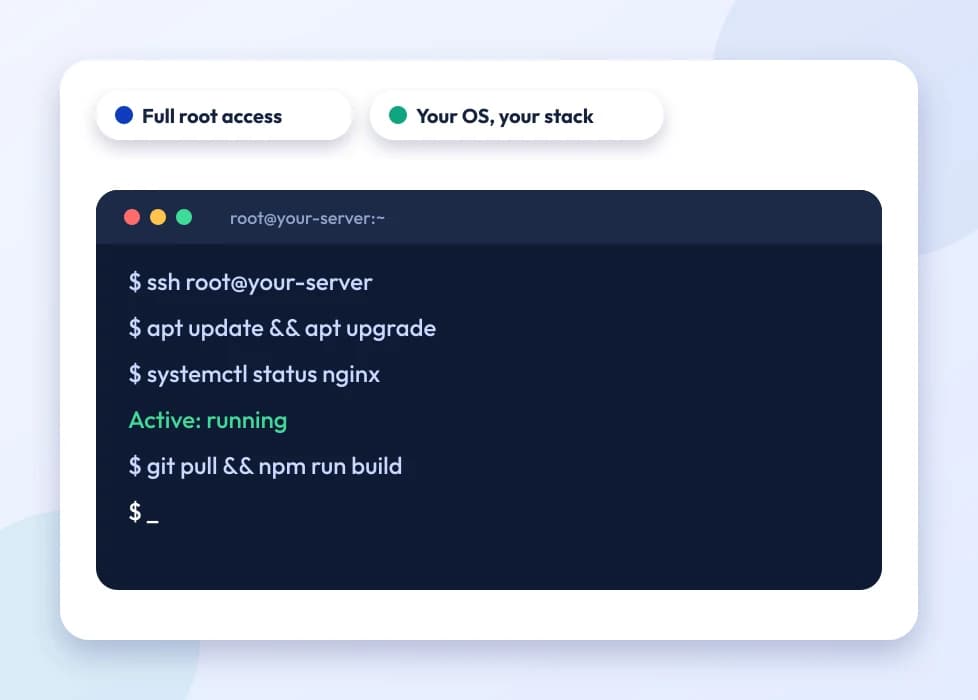
Full root access means you are the administrator of your own server, not a guest inside someone else's shared environment. You can install any package the OS supports, run custom services with systemd, open and close ports directly with iptables or ufw, compile software from source, and configure PHP-FPM pools, Nginx or Apache virtual hosts and cron jobs exactly the way your application needs, without waiting on a hosting panel to catch up. On a KVM VPS full root access instance, nothing about the server is abstracted away from you, the virtual machine boots its own kernel, keeps its own process table, and behaves like a physical box you happen to reach over SSH.
Picking an OS is mostly about what you already know and what your stack expects. Ubuntu is the default for most Node.js, Python and Docker workloads because package support and documentation are widest. Debian suits a slower-moving, conservative base for a production database or mail server. AlmaLinux and Rocky Linux exist for teams migrating off CentOS, they track RHEL closely, so cPanel-style tooling and enterprise software that certifies against RHEL behaves the same way. Windows Server makes sense when you're running .NET applications, MSSQL, or software with no Linux build at all, it costs more in licensing but saves you from working around a missing dependency.
Most people who move from shared hosting to a VPS aren't chasing a bigger number on a spec sheet, they're hitting a wall shared hosting is built to have: another tenant's traffic spike slowing down their own site, a plugin or background process the control panel won't allow, a port that needs to stay open for a worker process, or a database that needs tuning parameters the shared MySQL instance simply doesn't expose. A VPS removes that ceiling because the CPU and RAM allocated to your instance are yours alone, not pooled across other accounts on the same box, and you decide what runs and how.
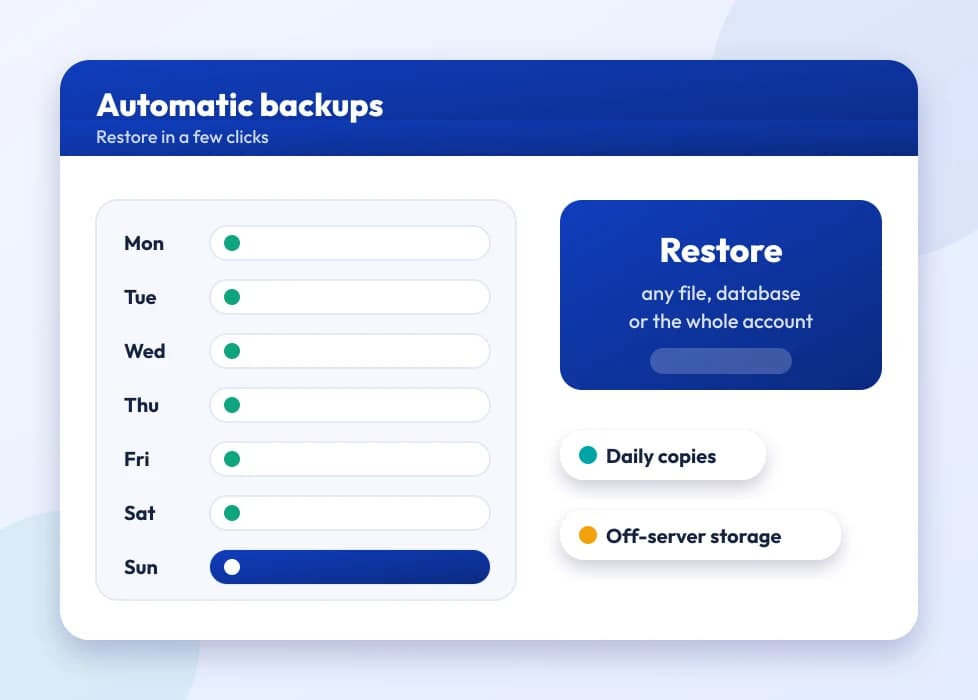
Full root access is a responsibility as much as it's a perk. There's no panel holding your hand, security updates, firewall rules and backups are on you unless you set them up yourself. Treat the first day after delivery as setup time: lock down SSH with key-based login, disable password authentication, enable a firewall and only open the ports your application needs, and take a snapshot before making any change you're not fully sure about.
None of this is exclusive to advanced use cases. A freelance developer testing a new framework, a small agency isolating one client's site from another, and a growing SaaS team running background workers all end up on the same kind of instance, an SSD VPS with full root access, sized to whatever their workload actually needs that month rather than a fixed shared-hosting tier.