
Fast, One-ClickEvent Schedule Hosting
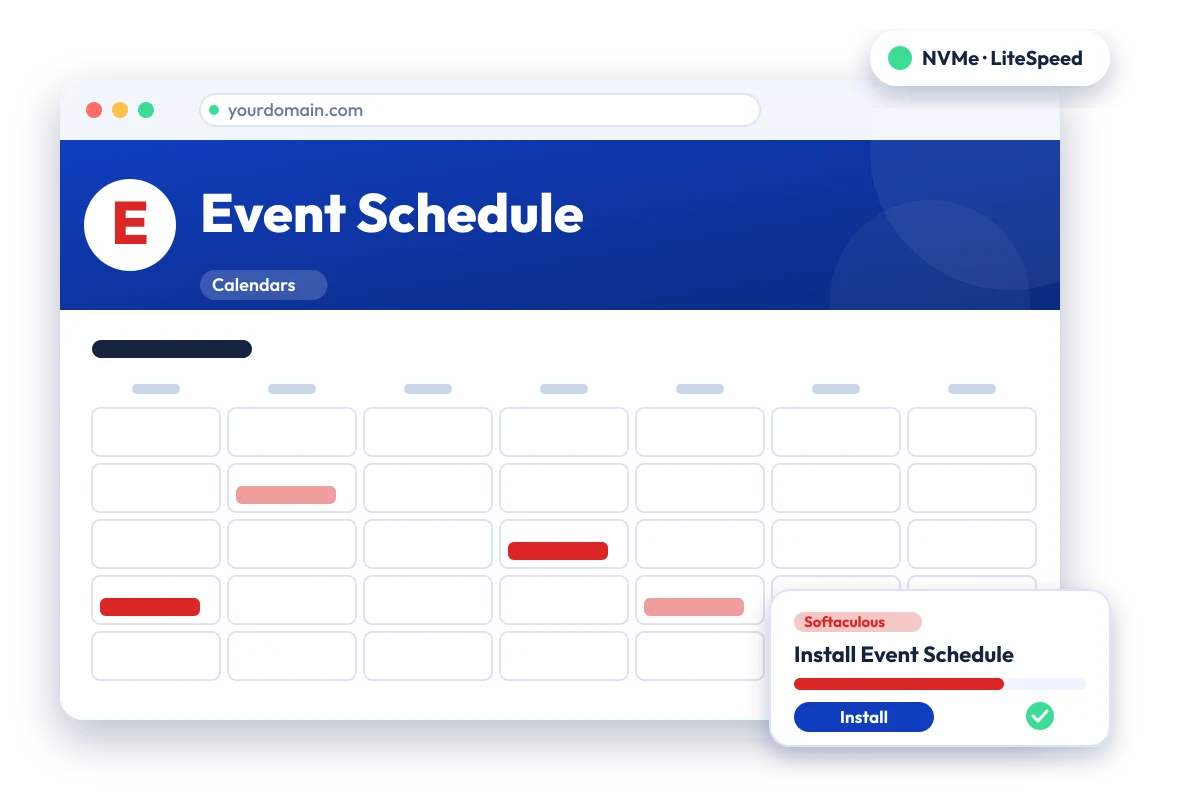
Open-source event calendar with ticketing and QR check-in. Install Event Schedule in one click with the Softaculous installer on cPanel NVMe hosting: LiteSpeed, free SSL, daily backups and 24×7 support. From ₹129.00/mo billed triennially.
cPanel NVMe Hosting Plans for Event Schedule
Pick a server region and a plan, then install Event Schedule from Softaculous in one click. Prices are live from our billing system.
Starter
First site, blogs, portfolios
₹4,644.00 billed today for 3 years
Renews at ₹4,644.00 every 3 years
- 10 GB NVMe Storage (RAID1)
- 1 Website
- 1 GB RAM · 1 core
- Unlimited bandwidth, email & MySQL
- Free Let's Encrypt SSL & free migration
- LiteSpeed Enterprise + LSCache
- Imunify360 · KernelCare · CageFS
- Daily JetBackup backups
- cPanel · Softaculous (400+ apps)
- 24×7 support · 99.99% uptime
Smart
Small business, a few projects
₹9,360.00 billed today for 3 years
Renews at ₹9,360.00 every 3 years
- 30 GB NVMe Storage (RAID1)
- 5 Websites
- 2 GB RAM · 2 cores
- Unlimited bandwidth, email & MySQL
- Free Let's Encrypt SSL & free migration
- LiteSpeed Enterprise + LSCache
- Imunify360 · KernelCare · CageFS
- Daily JetBackup backups
- cPanel · Softaculous (400+ apps)
- 24×7 support · 99.99% uptime
Business
Agencies and growing stores
₹18,756.00 billed today for 3 years
Renews at ₹18,756.00 every 3 years
- 75 GB NVMe Storage (RAID1)
- 25 Websites
- 3 GB RAM · 3 cores
- Unlimited bandwidth, email & MySQL
- Free Let's Encrypt SSL & free migration
- LiteSpeed Enterprise + LSCache
- Imunify360 · KernelCare · CageFS
- Daily JetBackup backups
- cPanel · Softaculous (400+ apps)
- 24×7 support · 99.99% uptime
Enterprise
High-traffic, large portfolios
₹32,868.00 billed today for 3 years
Renews at ₹32,868.00 every 3 years
- 150 GB NVMe Storage (RAID1)
- Unlimited Websites
- 6 GB RAM · 4 cores
- Unlimited bandwidth, email & MySQL
- Free Let's Encrypt SSL & free migration
- LiteSpeed Enterprise + LSCache
- Imunify360 · KernelCare · CageFS
- Daily JetBackup backups
- cPanel · Softaculous (400+ apps)
- 24×7 support · 99.99% uptime
Every plan runs on enterprise NVMe storage in RAID1 with per-account CloudLinux limits. Prices are pre-GST with no setup fee; the same plans and prices apply in India, France, Poland, Canada and Singapore. 30-day money-back guarantee.
What is Event Schedule?
Event Schedule is an open-source platform for creating event calendars, selling tickets and checking attendees in by QR code. It is a Laravel application released under the Attribution Assurance License, and its makers offer both a hosted service and a self-hosted edition. It suits venues, organisers and communities publishing events online.
Licence: Attribution Assurance License (AAL) · Built with: PHP (Laravel) + MySQL/MariaDB · Official site: www.eventschedule.com
Common uses
- Venue or club event calendar with ticketing
- Community events with QR-code check-in
- Team scheduling for shared events
- Publishing an online events page for followers
Event Schedule requirements
- PHP: PHP 8.2 or newer
- Database: MySQL 5.7+ or MariaDB 10.3+
- PHP extensions: BCMath, Ctype, Fileinfo, Intl, JSON, Mbstring, OpenSSL, PDO (MySQL), MySQLi, Tokenizer, XML, cURL, GD, Zip
- HTTPS is required
- Cron job running 'php artisan schedule:run' (reminder emails, calendar sync, ticket reservation expiry)
- SMTP email configuration for confirmations and reminders
Event Schedule needs PHP 8.2+, many PHP extensions, HTTPS, SMTP and a scheduled cron task, so confirm these are enabled on the account. It is a Laravel application, which is heavier than a simple calendar script.
Why host Event Schedule with Hostripples
- One-click Event Schedule install from Softaculous inside cPanel, with no manual upload or database setup
- All-NVMe storage and LiteSpeed Enterprise with LSCache for quick page loads
- Selectable PHP versions per site and CloudLinux account isolation with CageFS
- Free SSL, daily JetBackup backups and Imunify360 malware protection
- Free migration of an existing Event Schedule site, and 24×7 support in English, Hindi and Marathi
Event Schedule features
What Event Schedule offers
Event calendars
Organisers create shareable calendars, with recurring events and online event support.
Ticket sales
Events can sell tickets with multiple tiers and quantity limits, with checkout handled through Invoice Ninja.
QR check-in
Tickets carry QR codes so attendees can be scanned in at the door.
Calendar sync
Integration with Google, Apple and Microsoft calendars is listed.
REST API
A REST API is available for connecting other systems.
Multi-language support
The interface supports multiple languages, including AI-assisted translation.
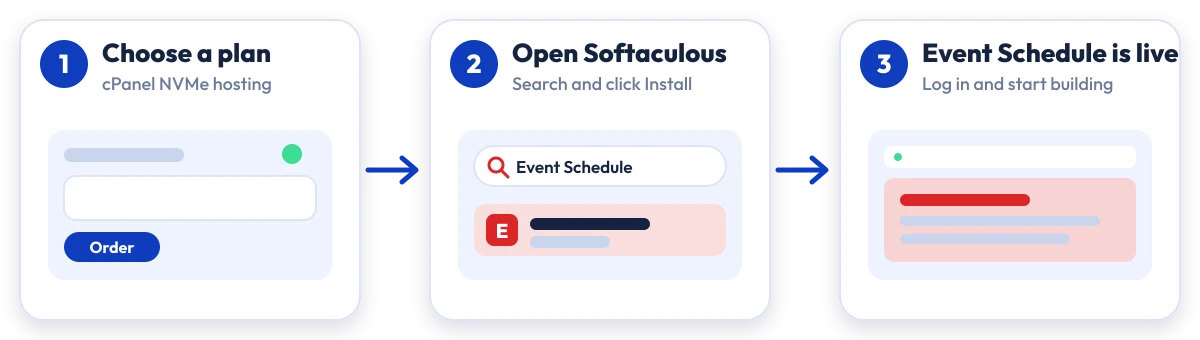
Install Event Schedule in four steps
No manual upload or database setup: Softaculous does it from your cPanel.

Plan
Choose a cPanel NVMe plan and server region

cPanel
Log in to cPanel and open Softaculous Apps Installer

Install
Search for Event Schedule, click Install and fill in the form

Launch
Open your new Event Schedule site and start building
Compare with other apps
People who look at Event Schedule often compare it with:
More Calendars you can install in one click:
Which plan is right for me?
Pick the line that fits what you need. These are the same plans and live prices as the cards above.
First site, blogs, portfolios
Starter
10 GB NVMe Storage (RAID1) · 1 Website · 1 GB RAM · 1 core
Choose Starter₹129/mo
₹4,644.00 billed today for 3 years
Small business, a few projects
Smart
30 GB NVMe Storage (RAID1) · 5 Websites · 2 GB RAM · 2 cores
Choose Smart₹260/mo
₹9,360.00 billed today for 3 years
Agencies and growing stores
Business
75 GB NVMe Storage (RAID1) · 25 Websites · 3 GB RAM · 3 cores
Choose Business₹521/mo
₹18,756.00 billed today for 3 years
High-traffic, large portfolios
Enterprise
150 GB NVMe Storage (RAID1) · Unlimited Websites · 6 GB RAM · 4 cores
Choose Enterprise₹913/mo
₹32,868.00 billed today for 3 years
Prices for India. Other billing terms and server locations are on the plan cards.
Event Schedule Hosting: Frequently Asked Questions
Everything you need to know
Still have questions?
Our support team is live 24/7 in English, Hindi & Marathi.
Ready to launch Event Schedule?
Pick a cPanel NVMe plan and install Event Schedule in one click. Free SSL, free migration and 24×7 support included.