Skip to content
Hostripples

SSD VPS Hosting

High-performance VPS with full root access, SSD storage and unlimited traffic, choose Ubuntu, Debian, AlmaLinux, Rocky Linux or Windows Server, delivered within 2–3 days, with free DDoS protection and 24×7 expert support.

STARTING AT
₹1,302.00/mo
✓Full root access · SSD storage · Unlimited traffic · Free DDoS protection · 24×7 support

SSD VPS Plans

Pick your datacenter, then your billing term, prices update live, including any location surcharge.

LocationServer location
Cloud VPS 4
Starter sites, dev and staging
₹1,302.44/mo

₹46,888.00 billed today for 3 years

Renews at ₹46,888.00 every 3 years

CPU4 vCPU
RAM8 GB RAM
Storage100 GB SSD
BandwidthUnlimited (200 Mbit/s port)
Order Now
Cloud VPS 6
Growing sites and small apps
₹1,775.61/mo

₹63,922.00 billed today for 3 years

Renews at ₹63,922.00 every 3 years

CPU6 vCPU
RAM12 GB RAM
Storage200 GB SSD
BandwidthUnlimited (300 Mbit/s port)
Order Now
Cloud VPS 8Our pick
Busy stores, APIs and databases
₹3,313.81/mo

₹1,19,297.00 billed today for 3 years

Renews at ₹1,19,297.00 every 3 years

CPU8 vCPU
RAM24 GB RAM
Storage300 GB SSD
BandwidthUnlimited (600 Mbit/s port)
Order Now
Cloud VPS 12
Heavy apps and many projects
₹5,918.67/mo

₹2,13,072.00 billed today for 3 years

Renews at ₹2,13,072.00 every 3 years

CPU12 vCPU
RAM48 GB RAM
Storage400 GB SSD
BandwidthUnlimited (800 Mbit/s port)
Order Now
Cloud VPS 16
Large workloads and resellers
₹8,779.36/mo

₹3,16,057.00 billed today for 3 years

Renews at ₹3,16,057.00 every 3 years

CPU16 vCPU
RAM64 GB RAM
Storage500 GB SSD
BandwidthUnlimited (1 Gbit/s port)
Order Now
Cloud VPS 18
Maximum memory for big stacks
₹11,599.94/mo

₹4,17,598.00 billed today for 3 years

Renews at ₹4,17,598.00 every 3 years

CPU18 vCPU
RAM96 GB RAM
Storage600 GB SSD
BandwidthUnlimited (1 Gbit/s port)
Order Now
24×7 expert support

Full root access, snapshots and DDoS protection on every plan, delivered within 2–3 days. Windows Server, daily backups and a bigger disk can be added at checkout. Prices exclude GST.

SSD VPS with Full Root Access

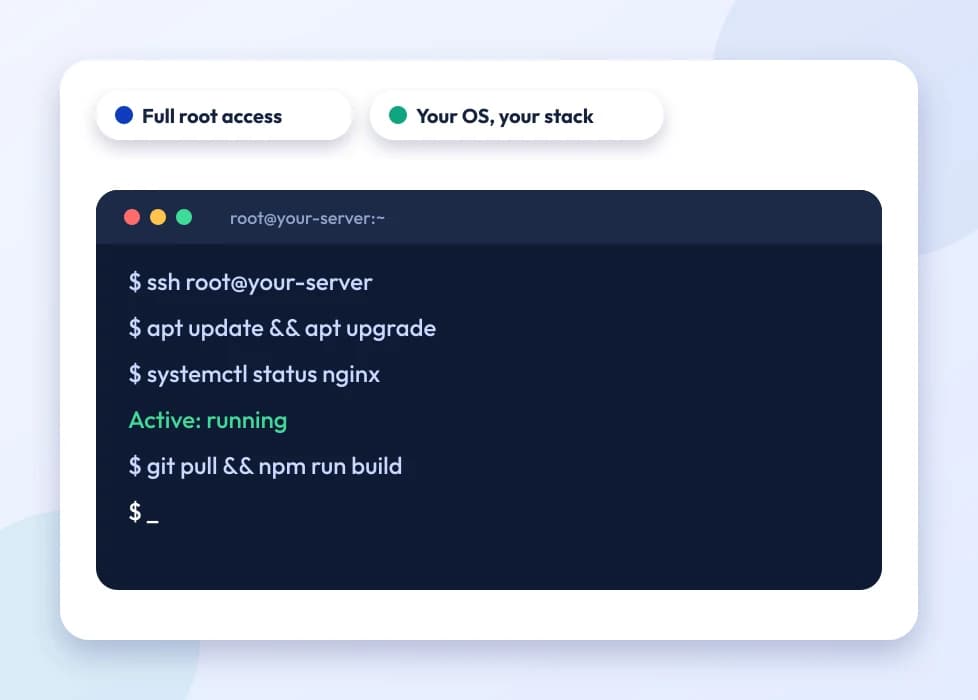
A terminal window showing root access to a server

Full root access means you are the administrator of your own server, not a guest inside someone else's shared environment. You can install any package the OS supports, run custom services with systemd, open and close ports directly with iptables or ufw, compile software from source, and configure PHP-FPM pools, Nginx or Apache virtual hosts and cron jobs exactly the way your application needs, without waiting on a hosting panel to catch up. On a KVM VPS full root access instance, nothing about the server is abstracted away from you, the virtual machine boots its own kernel, keeps its own process table, and behaves like a physical box you happen to reach over SSH.

Picking an OS is mostly about what you already know and what your stack expects. Ubuntu is the default for most Node.js, Python and Docker workloads because package support and documentation are widest. Debian suits a slower-moving, conservative base for a production database or mail server. AlmaLinux and Rocky Linux exist for teams migrating off CentOS, they track RHEL closely, so cPanel-style tooling and enterprise software that certifies against RHEL behaves the same way. Windows Server makes sense when you're running .NET applications, MSSQL, or software with no Linux build at all, it costs more in licensing but saves you from working around a missing dependency.

Most people who move from shared hosting to a VPS aren't chasing a bigger number on a spec sheet, they're hitting a wall shared hosting is built to have: another tenant's traffic spike slowing down their own site, a plugin or background process the control panel won't allow, a port that needs to stay open for a worker process, or a database that needs tuning parameters the shared MySQL instance simply doesn't expose. A VPS removes that ceiling because the CPU and RAM allocated to your instance are yours alone, not pooled across other accounts on the same box, and you decide what runs and how.

Full root access is a responsibility as much as it's a perk. There's no panel holding your hand, security updates, firewall rules and backups are on you unless you set them up yourself. Treat the first day after delivery as setup time: lock down SSH with key-based login, disable password authentication, enable a firewall and only open the ports your application needs, and take a snapshot before making any change you're not fully sure about.

None of this is exclusive to advanced use cases. A freelance developer testing a new framework, a small agency isolating one client's site from another, and a growing SaaS team running background workers all end up on the same kind of instance, an SSD VPS with full root access, sized to whatever their workload actually needs that month rather than a fixed shared-hosting tier.

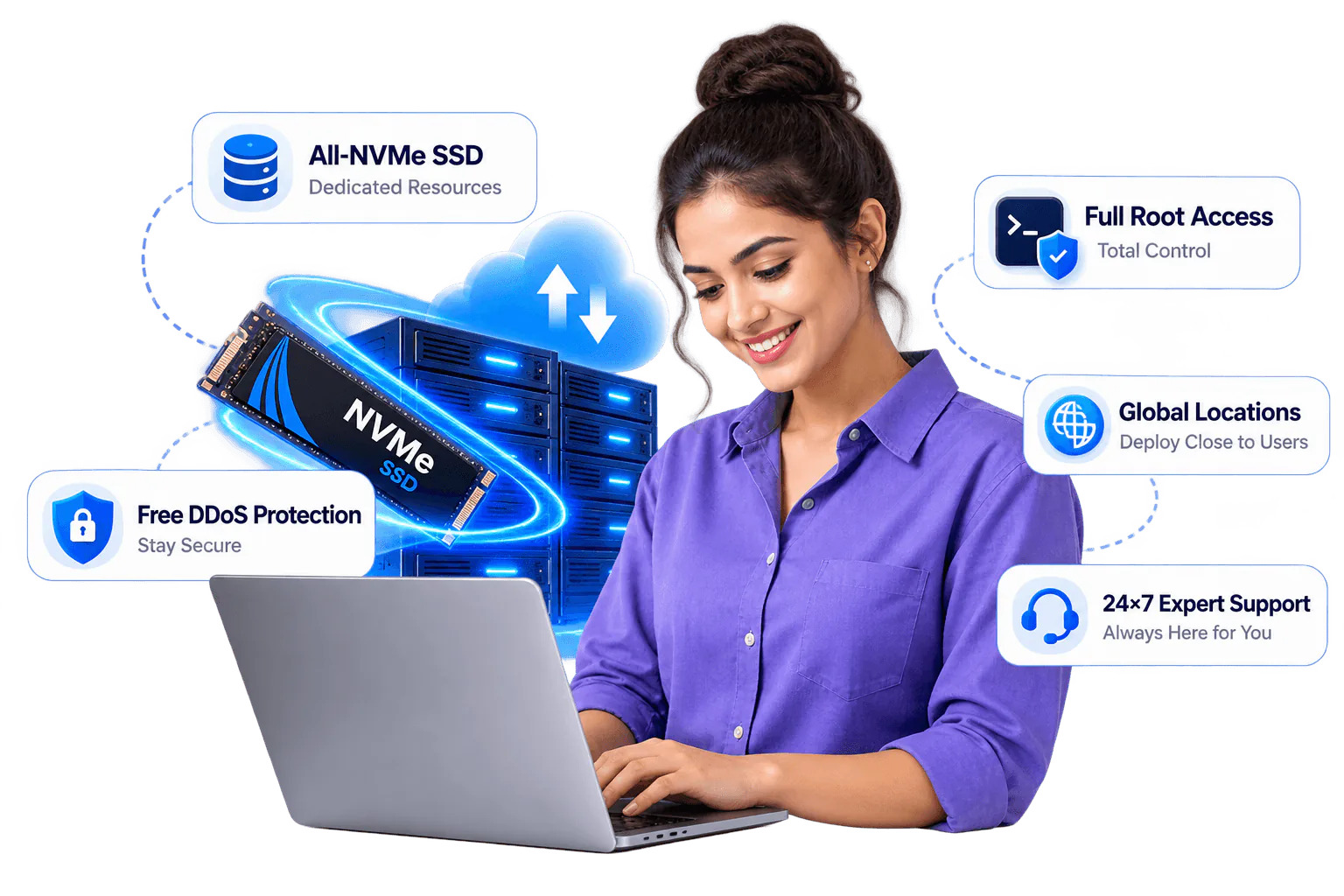
Who is a SSD VPS for?

Full-root SSD VPS power on NVMe KVM, for workloads that outgrow shared hosting.

Shared hosting works fine until it doesn't, usually the moment a site's traffic, a background process, or a client's expectations outgrow what a shared server can guarantee. Hostripples' SSD VPS hosting India customers most often fall into one of four groups below, and the resources listed on each plan (vCPU, RAM, SSD) are reserved for that account alone, never pooled with anyone else's.

Developers

Full root access to install any OS, language, database or stack you need, without asking a hosting panel for permission first. Run Node, Python, Go, a custom Docker setup or a message queue exactly the way your project is built, not the way a shared server allows.

Growing websites and apps

Dedicated CPU, RAM and NVMe that scale as your traffic grows, so a sudden spike in visitors doesn't slow down because someone else on the same physical server is having a busy day. Move from a 4-core plan up to 18 cores as the site earns it, without migrating to new hardware.

SaaS and custom apps

A private, isolated environment you control end to end, from the runtime version to the firewall rules protecting your API. That isolation matters for SaaS products handling customer data or running background jobs that a shared hosting account simply won't allow.

Agencies

Host demanding client projects with guaranteed resources instead of hoping a shared server has spare capacity when a client's campaign goes live. Spin up a separate VPS per client or per project, so one account's traffic spike never becomes another client's downtime.

Why choose a Hostripples SSD VPS

Guaranteed resources, full control and room to scale.

NVMe KVM virtualisation

True dedicated resources on pure-flash NVMe storage, no overselling. The CPU cores and RAM listed on your plan are reserved for you alone, not shared with however many other accounts happen to sit on the same physical host. Every Hostripples KVM VPS full root access instance runs its own kernel, so a noisy neighbour on the same hypervisor can't eat into your disk I/O the way it can on container-based virtualisation.

A page-load speed comparison between storage types

Choose your location

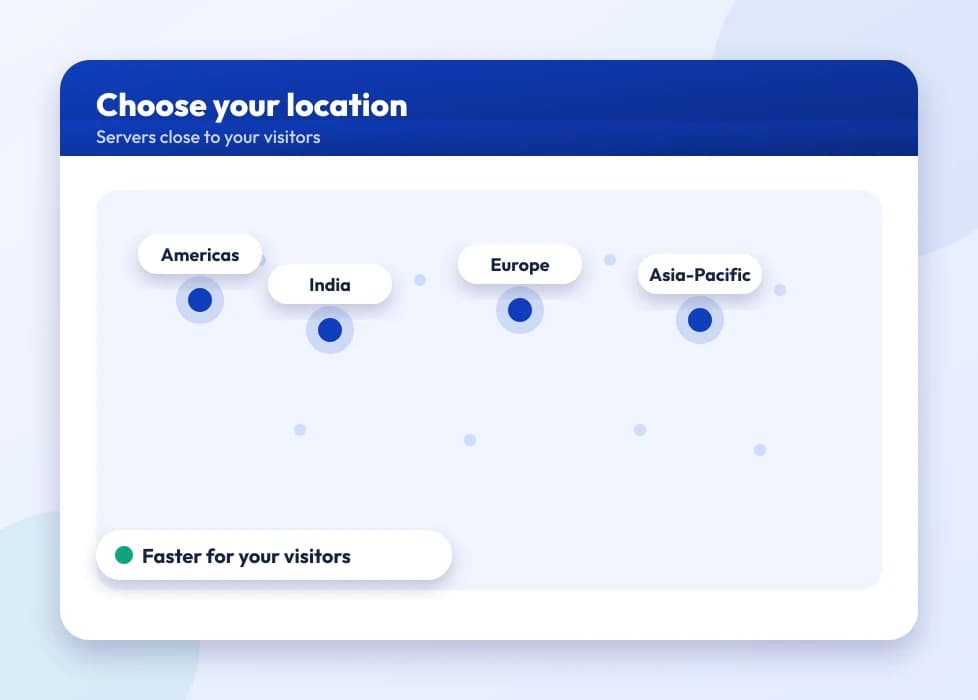
Run your SSD VPS India from the VPS hosting India datacenter near Delhi if most of your traffic is domestic, or pick from eight other regions across Germany, the UK, the US, Singapore, Japan and Australia when your users are somewhere else. Choosing the datacenter closest to your actual audience shaves real milliseconds off every request, which matters more than most people expect for anything interactive.

A map of server locations across regions

Snapshots and DDoS protection

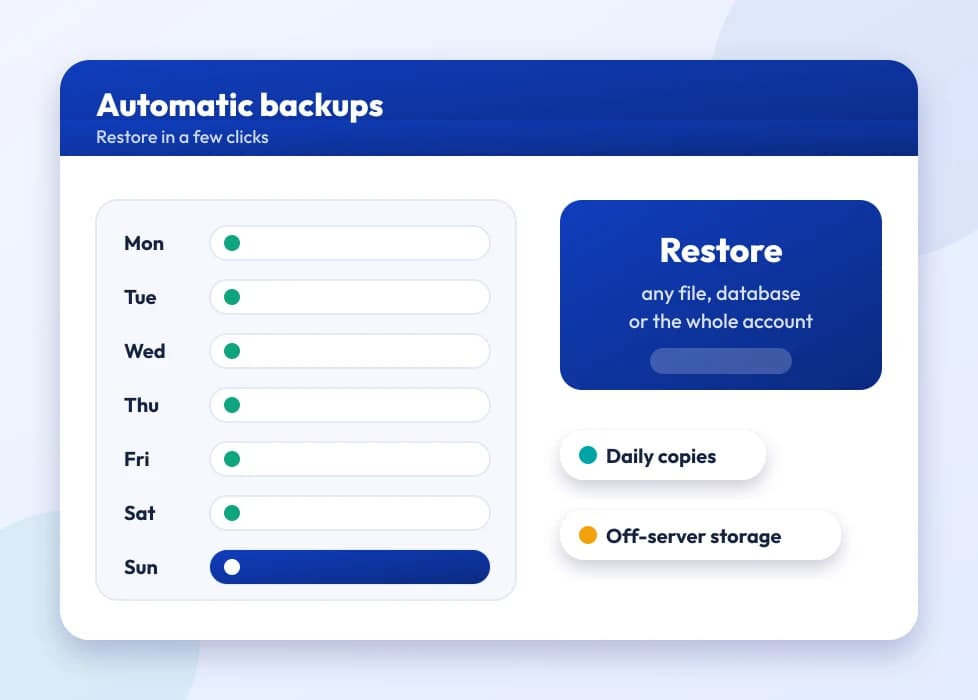
Protect your data and stay online with on-demand snapshots you can take before any risky change, and roll back in minutes if something breaks. Network-level DDoS protection runs on every plan by default, not as a paid add-on, so a volumetric attack doesn't take your VPS offline.

A week of automatic backups with one-click restore

24×7 expert support

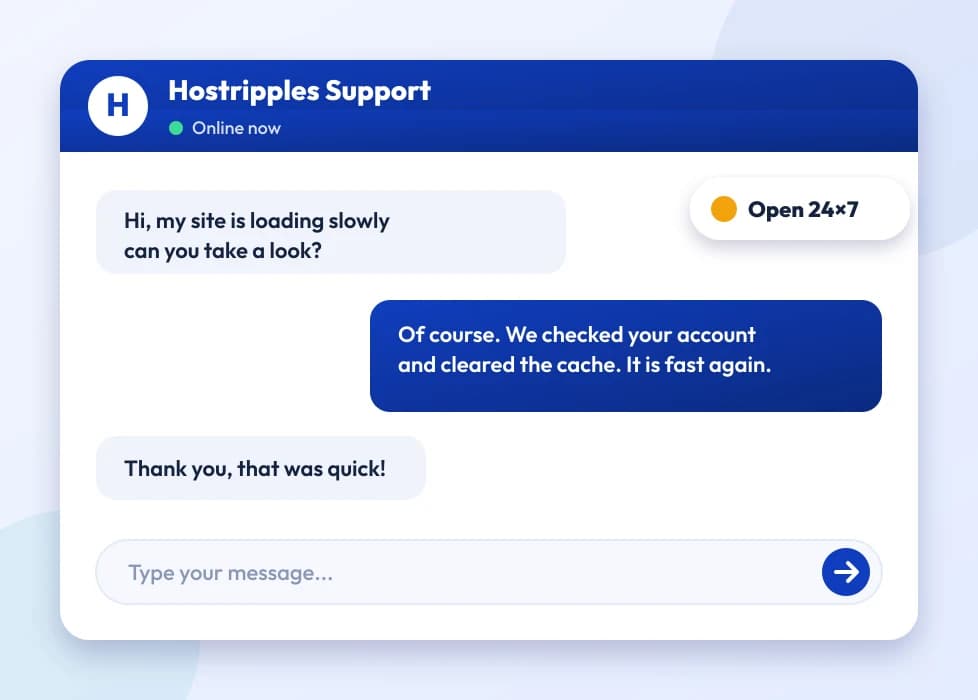
Real help whenever you need it, from engineers who work on VPS infrastructure day to day, not a generic ticket queue reading from a script. Plans start from ₹1,302.00/mo, and support is included at every tier, not reserved for the higher-priced ones.

A support chat with an expert answering a question

Which plan is right for me?

Pick the line that fits what you need. These are the same plans and live prices as the cards above.

  • Starter sites, dev and staging

    Cloud VPS 4

    4 vCPU · 8 GB RAM · 100 GB SSD

    ₹1,302.44/mo

    ₹46,888.00 billed today for 3 years

    Choose Cloud VPS 4
  • Growing sites and small apps

    Cloud VPS 6

    6 vCPU · 12 GB RAM · 200 GB SSD

    ₹1,775.61/mo

    ₹63,922.00 billed today for 3 years

    Choose Cloud VPS 6
  • Busy stores, APIs and databases

    Cloud VPS 8

    8 vCPU · 24 GB RAM · 300 GB SSD

    ₹3,313.81/mo

    ₹1,19,297.00 billed today for 3 years

    Choose Cloud VPS 8
  • Heavy apps and many projects

    Cloud VPS 12

    12 vCPU · 48 GB RAM · 400 GB SSD

    ₹5,918.67/mo

    ₹2,13,072.00 billed today for 3 years

    Choose Cloud VPS 12
  • Large workloads and resellers

    Cloud VPS 16

    16 vCPU · 64 GB RAM · 500 GB SSD

    ₹8,779.36/mo

    ₹3,16,057.00 billed today for 3 years

    Choose Cloud VPS 16
  • Maximum memory for big stacks

    Cloud VPS 18

    18 vCPU · 96 GB RAM · 600 GB SSD

    ₹11,599.94/mo

    ₹4,17,598.00 billed today for 3 years

    Choose Cloud VPS 18

Prices for Germany. Other billing terms and server locations are on the plan cards.

Got Questions?

Frequently Asked Questions

Everything you need to know

An SSD VPS is a virtual private server carved out of a physical machine using KVM virtualisation, with a fixed share of CPU, RAM and NVMe SSD storage reserved just for you. Shared hosting puts many customer accounts on one server with no hard resource boundaries between them; a VPS gives you your own OS, your own root access, and guaranteed resources that nobody else's traffic can eat into.
Move to a VPS when your site or app has outgrown a shared account, needs software or configuration a shared panel won't allow, or needs predictable performance during traffic spikes, but doesn't yet need an entire physical machine to itself. A dedicated server makes sense once you need every core and every byte of RAM a single machine can offer, or have compliance requirements that rule out virtualisation entirely. Most businesses spend years comfortably on a VPS before that point ever arrives.
Root access means unrestricted admin rights: install any package, run background services, open custom ports, edit any system config file, and manage your own firewall. On shared hosting you're limited to what the control panel exposes; on a KVM VPS full root access instance, if the OS supports it, you can do it yourself.
Pick Ubuntu or Debian for most web apps, Docker workloads and anything with strong community documentation, Ubuntu updates faster, Debian is more conservative and stable. Choose AlmaLinux or Rocky Linux if you're used to CentOS or need RHEL-compatible enterprise software. Pick Windows Server only if you specifically need .NET, MSSQL or Windows-only software, since it adds licensing cost on top of the plan price.
Not by default, these plans are root-only and managed over SSH. You're free to install a panel like Plesk, CyberPanel or Webmin yourself if you want a GUI, or run everything from the command line, most developers and agencies choosing a VPS actually prefer the latter.
It means there's no hard data cap and no per-GB overage billing, traffic is governed by a fair-use policy and the port speed on your plan (200 Mbit/s on the entry plan, scaling up to 1 Gbit/s on the higher tiers). In practice this covers the traffic patterns of the vast majority of websites and apps; it isn't a loophole for running a CDN or a file-sharing service off a single VPS.
Snapshots capture the full state of your VPS on demand, so you can take one before a risky update and roll back in minutes if something goes wrong. Automatic daily backups aren't switched on by default but can be added at checkout; if you skip that, get in the habit of taking a manual snapshot before any change you're not fully sure about.
Network-level DDoS filtering runs on every SSD VPS plan by default at no extra cost, it inspects and scrubs traffic before it reaches your instance, absorbing common volumetric and protocol attacks. It's not a substitute for application-level protections like rate limiting or a WAF if you're running something likely to be specifically targeted, but it covers the infrastructure-level attacks most sites actually face.
Yes, you can move from a 4-core plan up to a higher tier as your workload grows; the upgrade is applied to your existing server rather than requiring a fresh install, so your data and configuration stay intact. There's typically a short reboot involved to apply the new resource allocation, so plan that for a low-traffic window.
Most SSD VPS orders are provisioned within 2 to 3 days. That window covers verification and setup; once it's ready you'll get root credentials by email and can log in over SSH immediately.
You choose a billing cycle, monthly, quarterly or annual, at checkout, and pricing is quoted per month, pre-GST. Longer cycles typically work out cheaper per month than paying monthly. You can change the cycle at renewal; there's no long lock-in beyond the term you pick.
Cheap doesn't have to mean unreliable if the pricing reflects efficient infrastructure rather than oversold resources. Hostripples' entry-tier cheap SSD VPS India plans still run on the same AMD EPYC hardware, NVMe storage and guaranteed, not shared, resource allocation as the higher tiers, you're paying less because you're provisioning fewer cores and less RAM, not because the underlying platform is different.
Choose the VPS hosting India datacenter if most of your visitors, customers or users are based in India, the round-trip latency advantage is real and noticeable for anything interactive: dashboards, checkout flows, APIs. Choose a global location like Singapore, Germany or the US if your audience sits there instead; picking the datacenter nearest your actual users matters more than picking the one nearest to you.
These are self-managed, unmanaged plans, you're responsible for OS updates, security hardening and day-to-day server administration, while our support team helps with infrastructure-level issues (network, hardware, the hypervisor) and general guidance. If you'd rather not manage a Linux server yourself, our team can point you to managed options, but expect to spend some time on server upkeep on a self-managed VPS either way.
You still have out-of-band console access through the control panel even if SSH itself becomes unreachable, so a firewall misconfiguration or a bad SSH key change isn't fatal. It's still worth taking a snapshot before touching firewall rules for exactly this reason.
Yes, you can reinstall your chosen OS from the control panel at any time, which wipes the disk and gives you a clean server. It's faster than requesting a new VPS, but it is destructive, so take a snapshot or back up anything you need before you do it.
Yes, every SSD VPS plan includes a dedicated IPv4 address, which matters if you're running your own mail server, need a clean IP reputation for outbound email, or need a static address for firewall allowlisting on a third-party service.
You can, root access lets you install Postfix, Exim or any mail stack you like. Keep in mind deliverability depends on more than server config, reverse DNS, SPF, DKIM and IP reputation all matter, and a fresh IP with no sending history will need time to warm up before major providers trust it.
The core difference is raw headroom, 4 vCPU and 8 GB RAM on the entry plan versus 18 vCPU and 96 GB RAM on the largest, plus more SSD storage and a faster port speed at each step up. The entry plan comfortably runs a handful of production sites or a small app; the top tier is built for heavier database workloads, multiple resource-hungry services, or reselling capacity to clients.
Yes, with full root access you can run as many sites as your CPU, RAM and disk comfortably support, using Nginx or Apache virtual hosts the same way you would on any Linux server. There's no per-site limit imposed by the plan itself, the practical limit is your server's resources, not the hosting terms.
A VPS assumes some Linux comfort, if terms like SSH, firewall rules or systemd services are unfamiliar, budget time to learn or bring in help for the initial setup. Our support team can guide you through infrastructure-level questions, and a well-configured VPS mostly runs itself day to day once it's set up correctly.
Listed prices are pre-GST, applicable tax is added at checkout. We accept the standard payment methods available in your WHMCS billing portal, card, net banking and other options shown at checkout, and you can see the final amount, tax included, before you confirm the order.
VPS and other dedicated infrastructure plans are provisioned specifically for you the moment they're delivered, so unlike shared or reseller hosting they don't carry a 30-day money-back guarantee, they're non-refundable once provisioned. Check the specifics of your order in your billing portal, or ask support before you buy if you're unsure.
The base OS image ships with the distribution's default firewall state, which is typically permissive until you configure it, root access means the responsibility for locking down ports is yours. Enabling ufw or firewalld and restricting access to only the ports your application actually needs is one of the first things worth doing right after delivery.
Beyond the latency benefit of an India datacenter for an Indian audience, a local SSD VPS hosting India provider means billing in rupees without conversion fees, support during Indian business hours in English, Hindi and Marathi, and a WHMCS billing portal built around GST invoicing. If your users are elsewhere, though, picking the datacenter closest to them will usually matter more than where the company is headquartered.
Yes, once your VPS is delivered you get its IP address to create an A record for your domain; you don't need to change nameservers or use any DNS specific to us unless you want to. Update the DNS at whichever registrar or DNS provider already manages your domain, and propagation usually completes within a few hours.
The underlying hypervisors and network are monitored continuously by our engineering team, with redundant power and network paths at the datacenter level. Uptime commitments are detailed in your service agreement at signup, and it's still worth architecting some redundancy of your own around any VPS, ours included, if downtime would be genuinely costly for your business.
Yes, with full root access you can install a control panel, create isolated accounts or containers, and resell hosting or app hosting to your own clients, subject to our acceptable use policy. Agencies and small hosting resellers are one of the more common uses of the higher-core plans, where the extra vCPU and RAM go toward running several client environments side by side.

Still have questions?

Our support team is live 24/7 in English, Hindi & Marathi.

Chat with an Expert

Ready to launch your SSD VPS?

Get full root access, SSD storage and unlimited traffic, with free DDoS protection and 24×7 expert support.

View VPS Plans

Why Choose Us

Built for performance

Everything you need to launch and grow online.

Monitored servers

Our engineers monitor server health around the clock, CPU load, disk I/O and network anomalies, and step in the moment something looks wrong, often before it affects your site.

24/7 Technical Support

We're available 365 days a year, 24×7. Reach out with any question or issue, from a server-level problem to help understanding a billing cycle, and talk to a real technical support engineer.